
Description
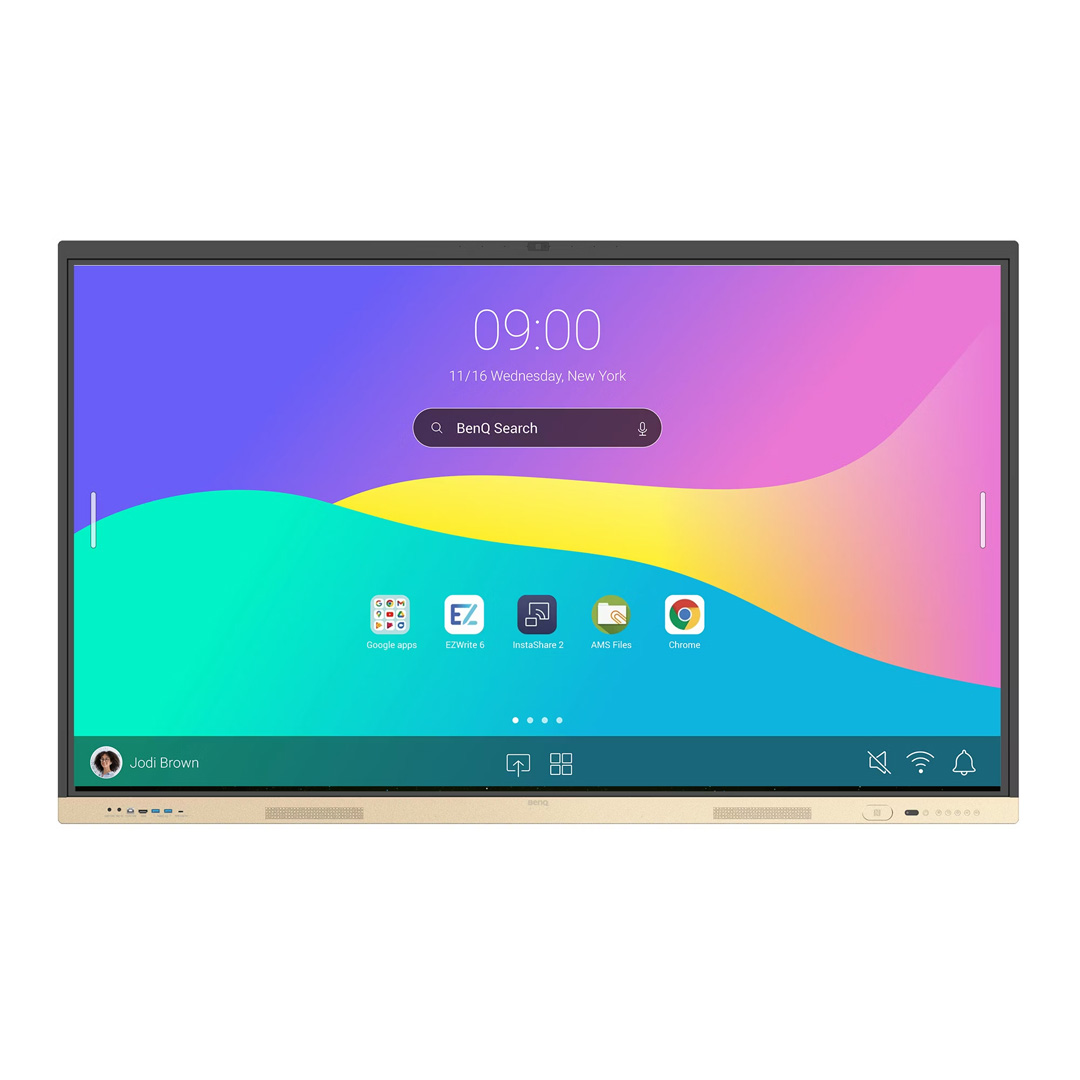
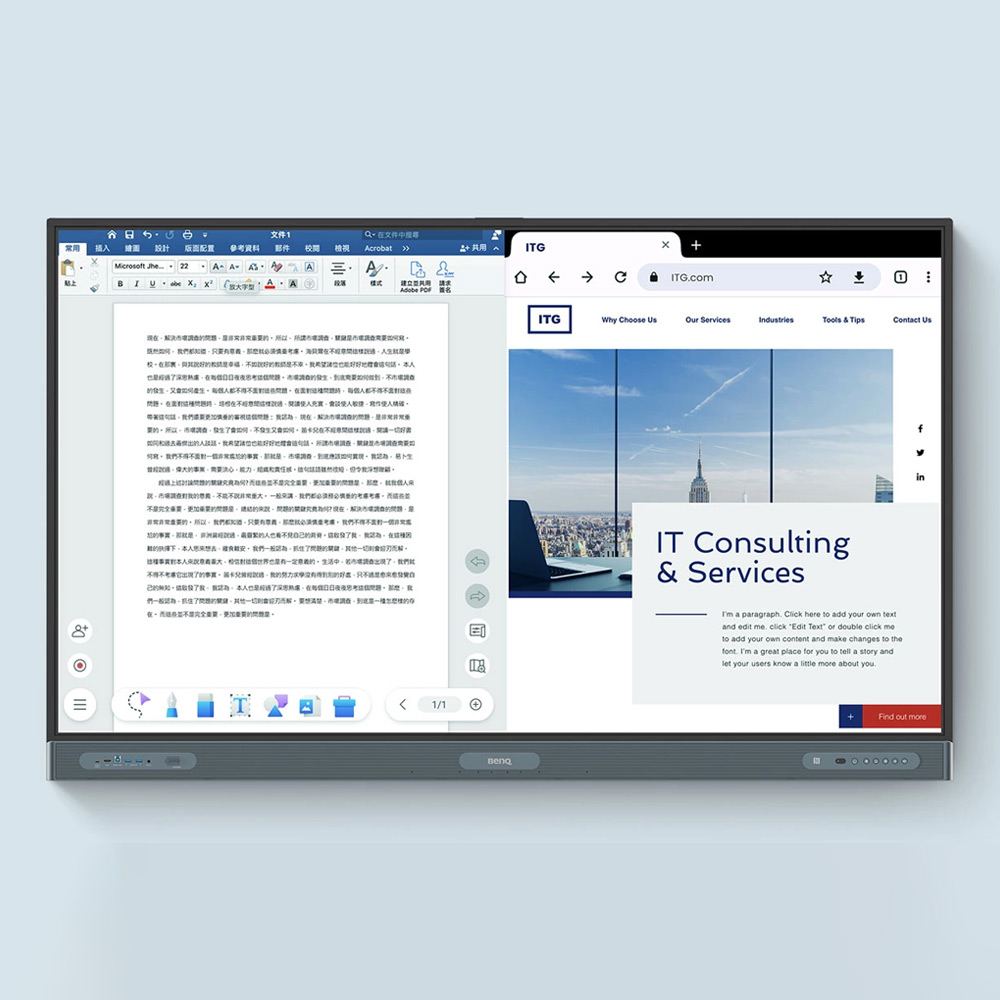
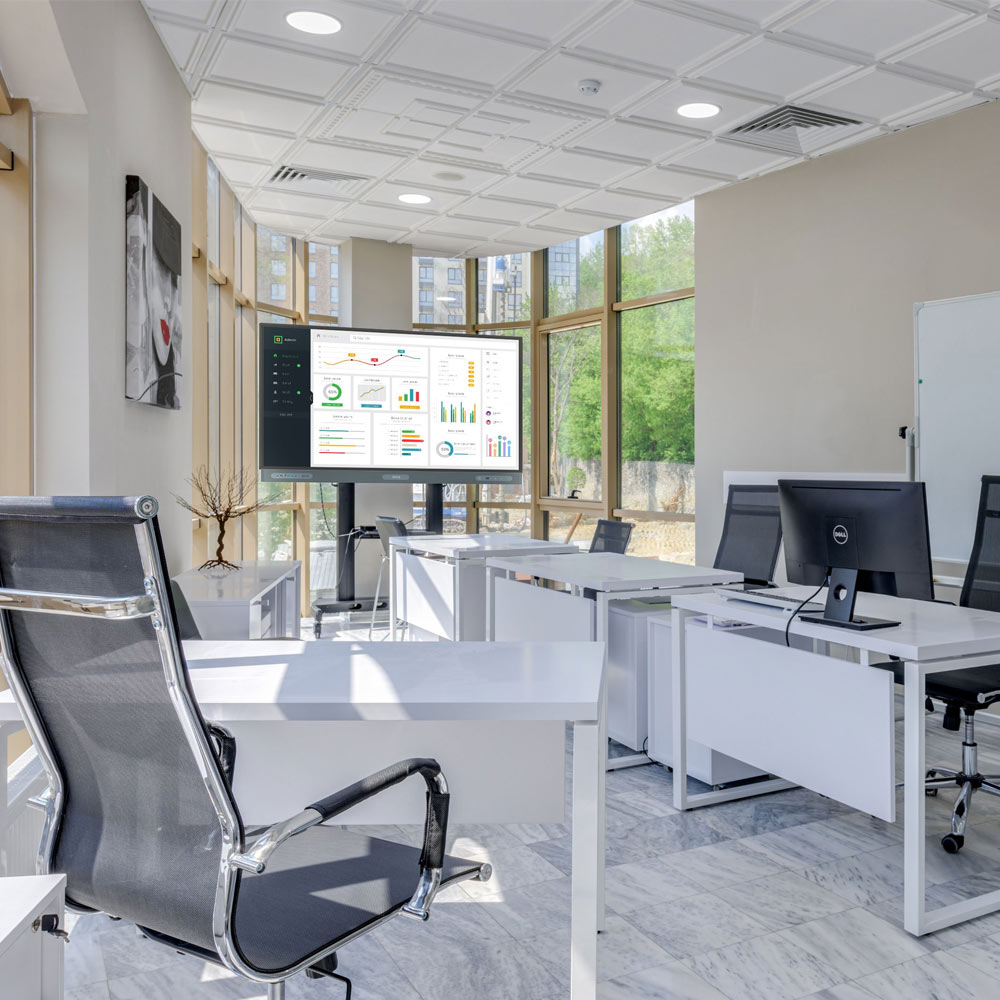
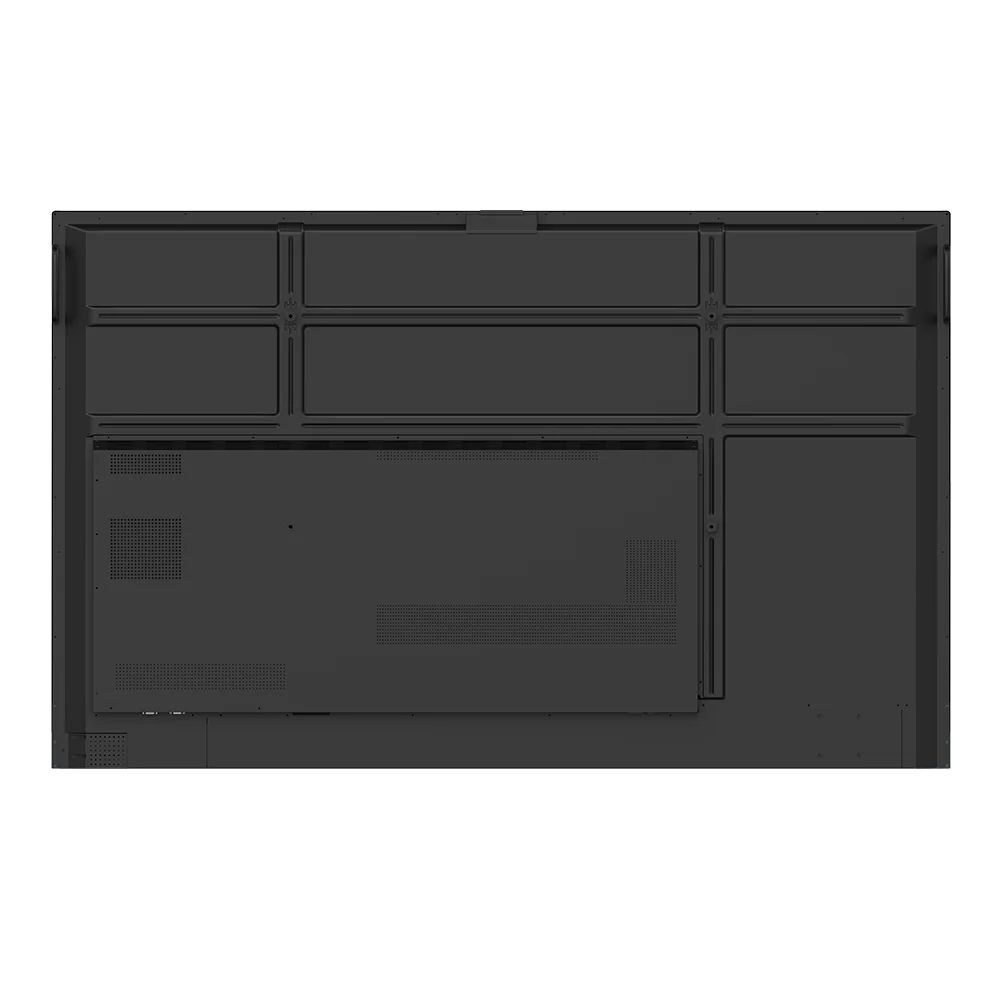
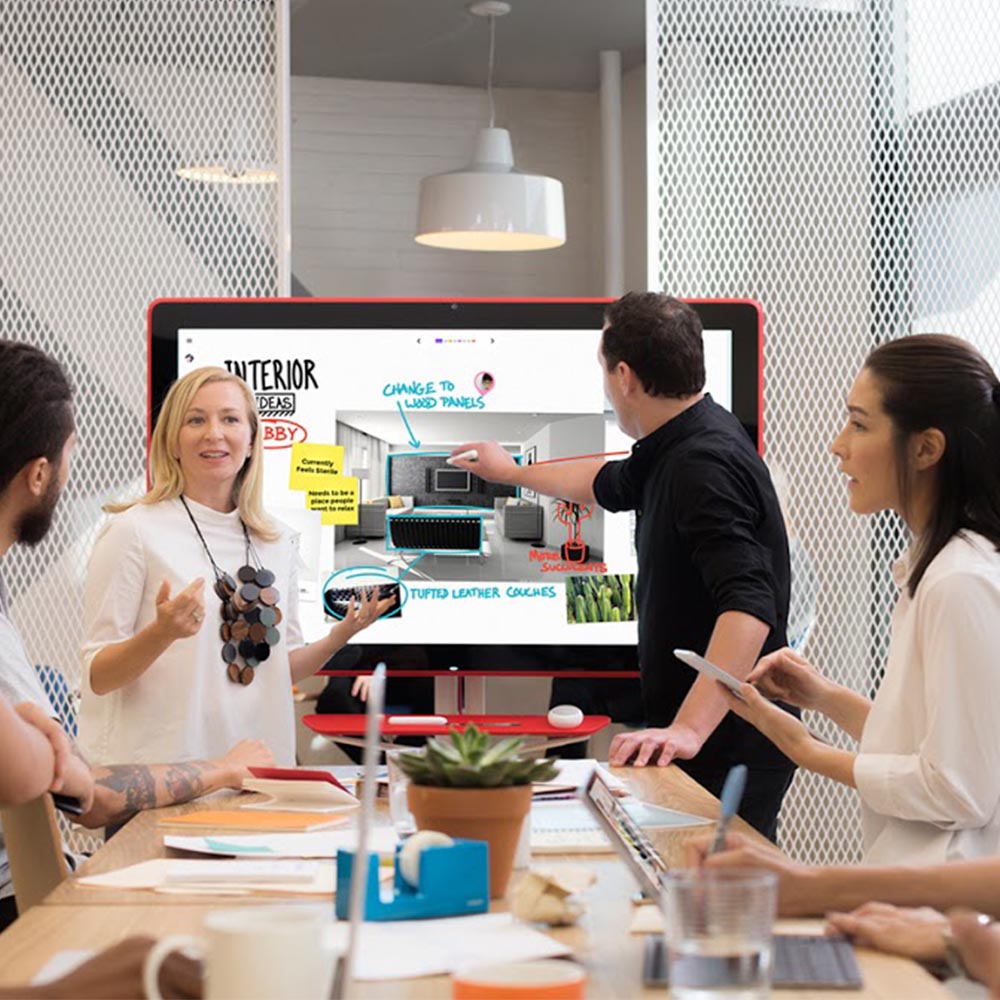
The BenQ Board Essential Series RE6504FV is an all-in-one interactive smart board designed to enhance presentations, hybrid meetings, collaboration and brainstorming sessions. Built around a vibrant 65″ 4K UHD display with precision touch, robust conferencing capabilities and powerful built-in tools, this board delivers intuitive performance for modern classrooms and meeting spaces.
Featuring Android-based smart functionality and compatibility with leading UCaaS video conferencing solutions, the RE6504FV brings display, whiteboarding, wireless sharing, camera, microphones and audio together in one seamless package.
The BenQ Essential Series RE04FV Interactive Panel core features include:
- Brilliant 65″ UHD (3840 × 2160) IPS panel with anti-glare coating and 450 nits brightness for clear visuals.
- Precision IR touchscreen supporting up to 40 simultaneous touch points with responsive <5 ms touch performance.
- Built-in Android 13 smart platform with access to apps, whiteboarding and wireless casting.
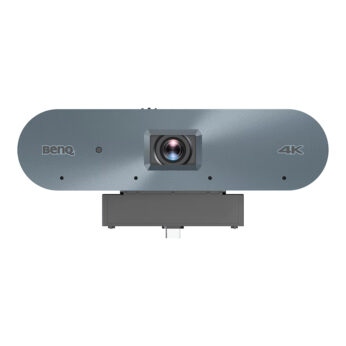
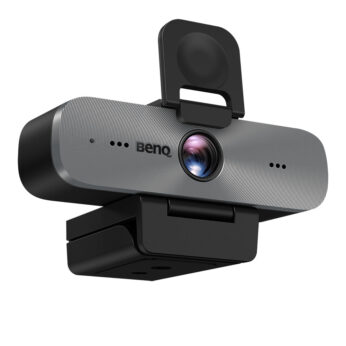
- Integrated 4K camera with privacy cover for conferencing.
- 8-mic array with up to 8 m pickup range plus 2 × 20 W speakers for room-filling sound.
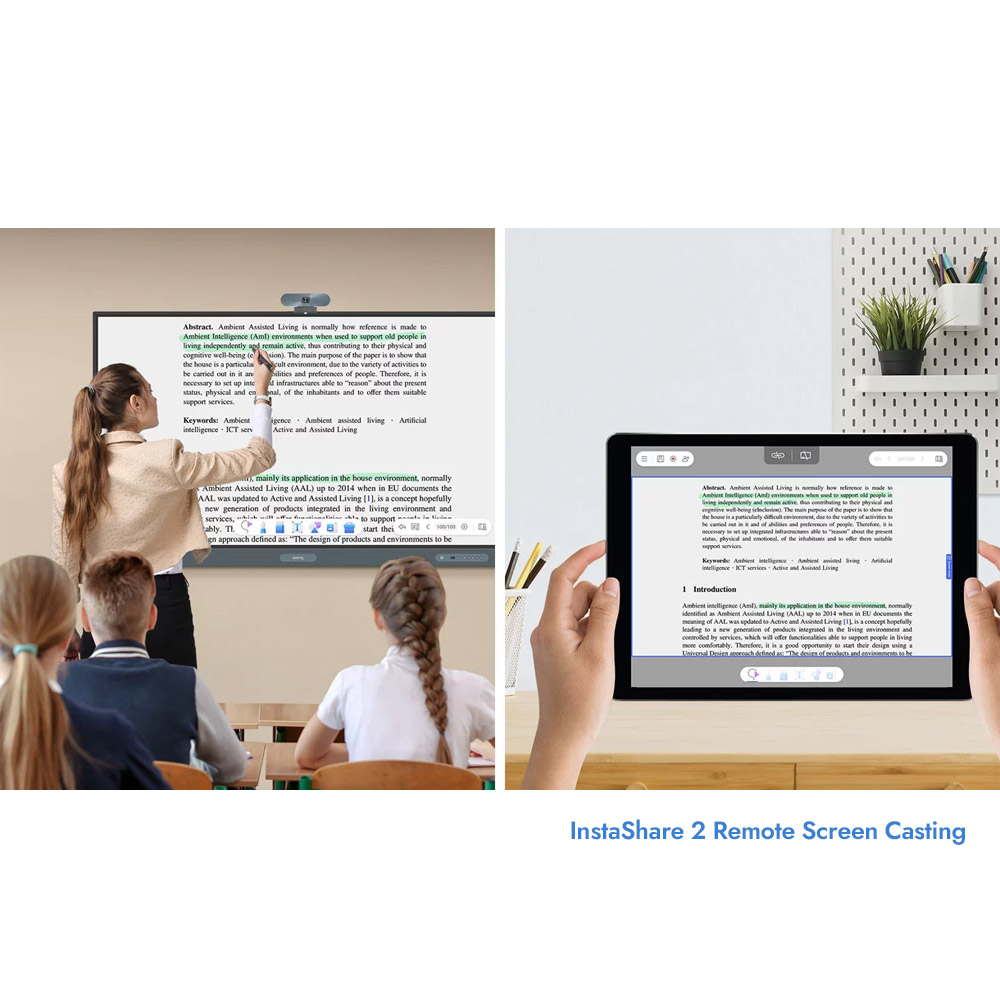
- Wireless screen sharing with InstaShare 2 and EZWrite whiteboarding tools.
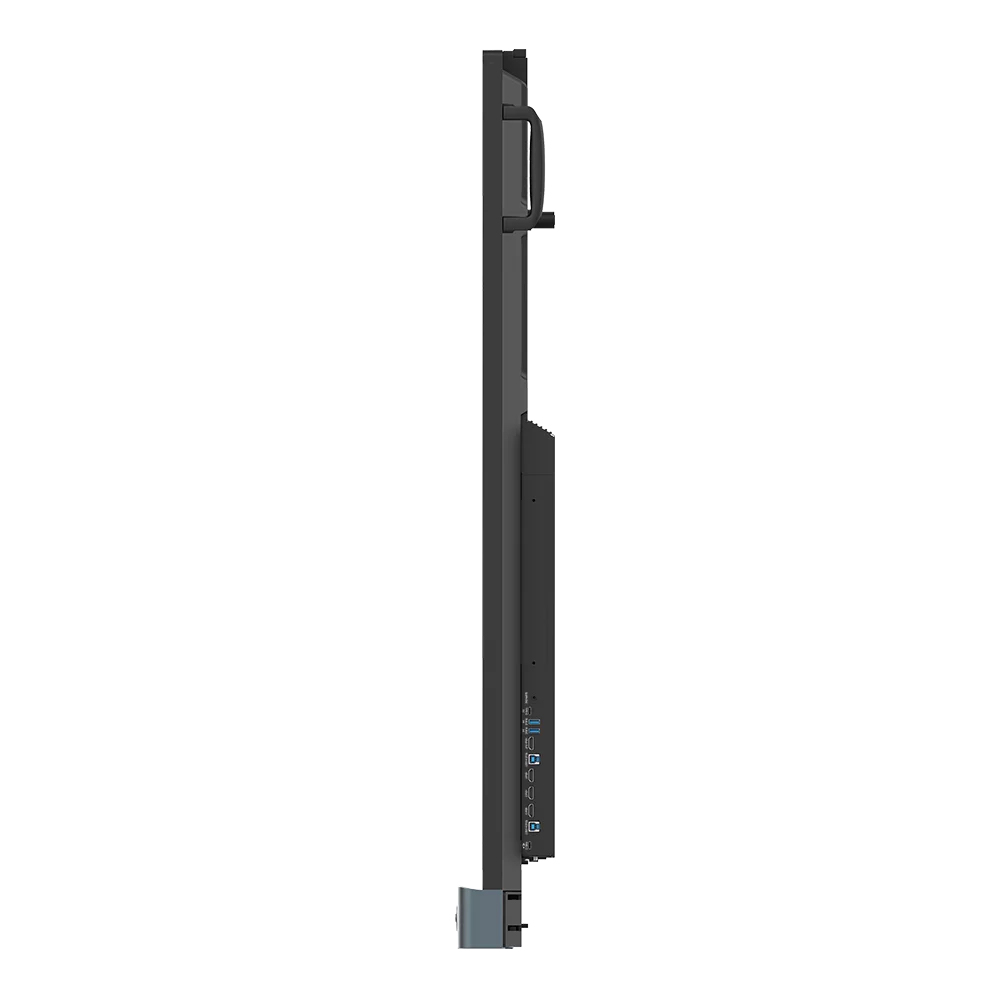
- Extensive connectivity including multiple HDMI, DisplayPort, USB-A/USB-C (with 65 W PD), Ethernet and OPS slot.
- Germ-resistant 9H tempered glass with anti-glare surface for durability and hygiene.
Essential Series Interactivity in the Classroom and Meeting Room
Two stylus pens are included and the panel features 50-point simultaneous touch recognition. With zero gap between the glass and panel, writing feels as smooth as on paper. Fine IR+ touch provides the most accurate writing experience of any BenQ Board. Pull up the Floating Tool to annotate, take screenshots, or even record videos while you’re using apps, browsing files, or scrolling through webpages on the board.
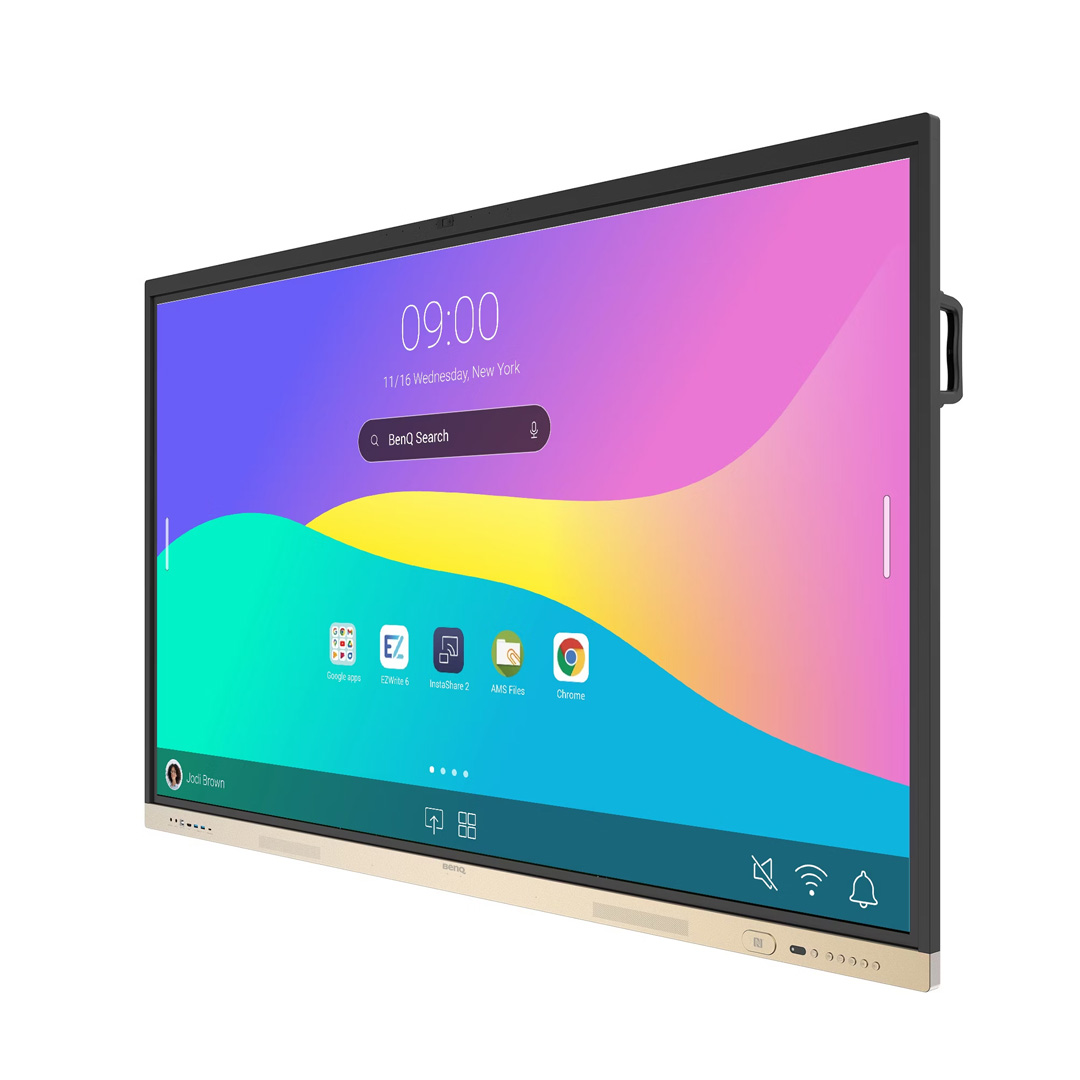
Navigate with ease using the sidebar, which offers quick access to the home screen, input sources, EZWrite, and all your frequently used apps. Tap the sidebar to quickly switch input sources, go back to the home screen, or see a menu of your most-used apps. Add home screen widgets to display the information that matters most to you and your students or staff, like sticky notes, the calendar, and weather reports.
EZWrite 6 and InstaShare 2
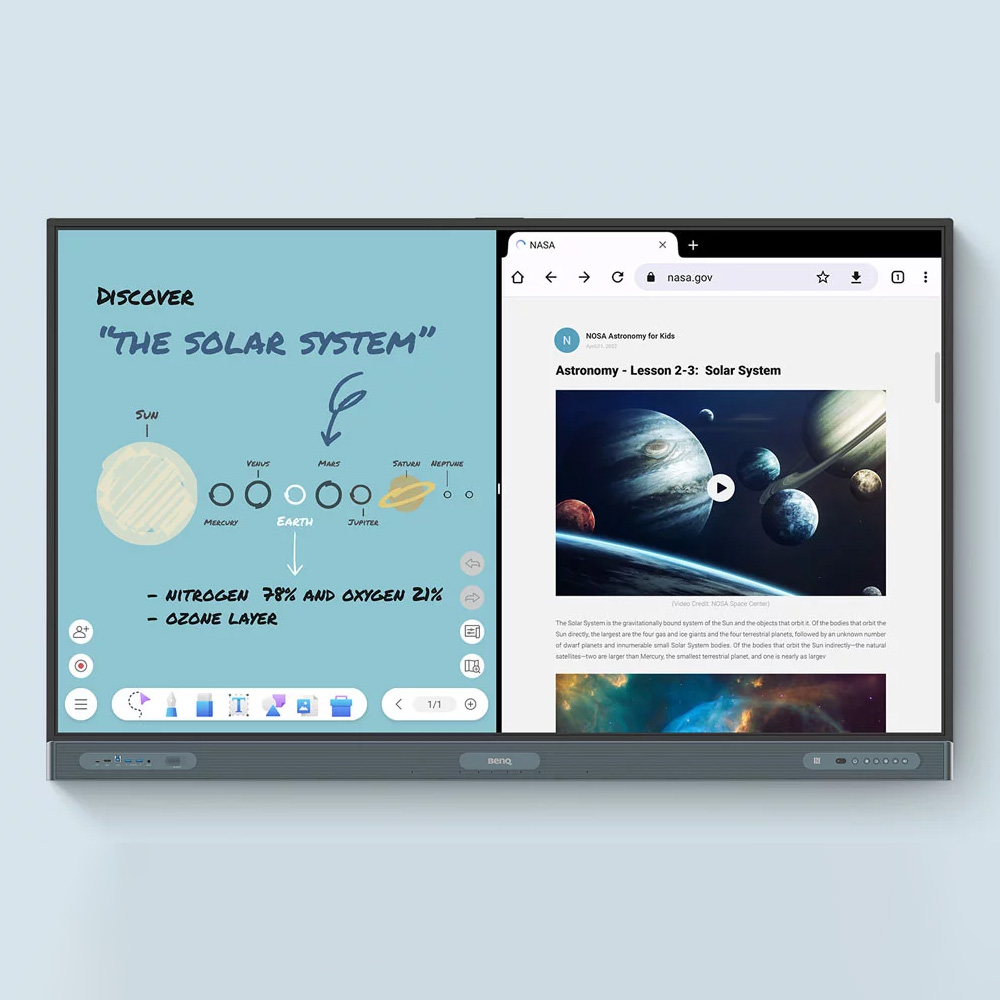
EZWrite is an interactive canvas that makes lessons and meetings more immersive and engaging. Use the Essential Series Interactive Panel to develop ideas together, using any device, and from any location.
EZWrite seamlessly handles Office files, including presentations, documents, spreadsheets, and PDFs. Annotate during meetings or make notes during a class, and save sessions as editable files. Export them as meeting minutes or as a PDF for students to review at home. EZWrite 6 lets you do a lot more than just write, draw, and add text. Use the expandable canvas, insert templates, use math and measuring tools, or show a live camera feed.
Cloud whiteboarding lets others join the session from their seats or even from home. Remote students or staff can use the whiteboard as if they were right on the display. Users can effortlessly share images, videos, or even live camera feeds from their laptops, tablets, or mobile phones simultaneously. Cast lesson or meeting materials from your laptop or let multiple users share their screens with InstaShare 2. Even with multiple people sharing, it’s easy to take control of the session on InstaShare 2. You can select which screens to show or hide, decline sharing requests, and even block inappropriate content with AI.
AI tools for accessibility and inclusivity
With EZWrite, the interactive display can have written text read aloud for everyone in the discussion. With native Google translation, you can translate resources to different languages at the click of a button. With the OCR function you can convert text from images and documents to an editable format.
Essential Series ClassroomCare Technologies
The RE04 Essential Series helps reduce the transmission of germs with its TÜV-certified antimicrobial screen, hardware buttons, remote control and pens that are 99.9% effective against common germs. The RE04 is Eyesafe® Certified 2.0, offering the highest level of protection available for the eyes. It reduces eye strain by effectively reducing high-energy blue light without altering the vivid colours displayed on screen.
Furthermore, the Pro Series board includes an air ionizer, helping to regulate airborne impurities in the room. In-built sensors monitor room conditions such as temperature, humidity, as well as CO2 and particle quantities, allowing you to ensure meeting rooms and classrooms are receiving sufficient supply of fresh air.
Efficiently manage your BenQ devices with centralised control
The BenQ ecosystem makes managing devices, apps, and user accounts easy, reducing the workload for IT and admin staff. Easily create and enforce policies across all BenQ Boards, specific groups, or individual devices. Remotely control display settings, Wi-Fi connections, app installations, and much more.
Simplify account management by importing users directly from a variety of sources, including Google Workspace, Microsoft Entra ID (formerly Azure Active Directory), ClassLink, LDAP servers, or other SAML-based identity providers.
Get a comprehensive view of all your BenQ devices directly on the DMS homepage. Analyse daily usage patterns and pinpoint areas that require attention. Google’s security features protect your RE04, including Play Protect, helping to prevent data leaks, phishing, malware, and data loss.
Further resources and training modules on the BenQ interactive boards, app and management software can be found here.
Features
-
Display
• Screen size: 65″ / 75″ or 86″ versions, IPS panel, UHD 3840 × 2160 pixels (16:9)
• Brightness (typical): 450 nits
• Response time: 8 ms
• Contrast ratio (typical): 1200:1
• Dynamic contrast ratio: 30,000:1
• Backlight life (typical): 50,000 hrs
• Glass: Anti-glare, germ-resistant, 9H temperedTouch & System
• Touch technology: Precision IR touch
• Touch points: Up to 40
• Operating System: Android 13
• Memory | Storage: 8 GB | 128 GB (region dependent)
• Octa Core SoC 8 Core CPUAudio & Video
• Camera: Built-in 4K camera with privacy cover
• Microphones: 8-mic array (range up to 8 m)
• Speakers: 2 × 20 WConnectivity
• HDMI: 3 × HDMI 2.0 IN | 1 × HDMI 2.0 OUT
• DisplayPort: 1 × DP 1.2
• USB-A: 2 × USB 2.0 + 2 × USB 3.0
• USB-C: 1 × USB 2.0 + 1 × USB 3.0 (PD 65 W)
• USB-B (touch): 2 × USB 2.0
• Ethernet: Dual 10/100/1000 Mbps
• MicroSD reader (expandable)
• VGA, RS-232, audio IN/OUTPower & Physical
• ENERGY STAR certified
• Available in 65″, 75″ or 86″ versions
Further information can be found here, or alternatively check out our full range of Interactive Whiteboards here!


Reviews
There are no reviews yet.