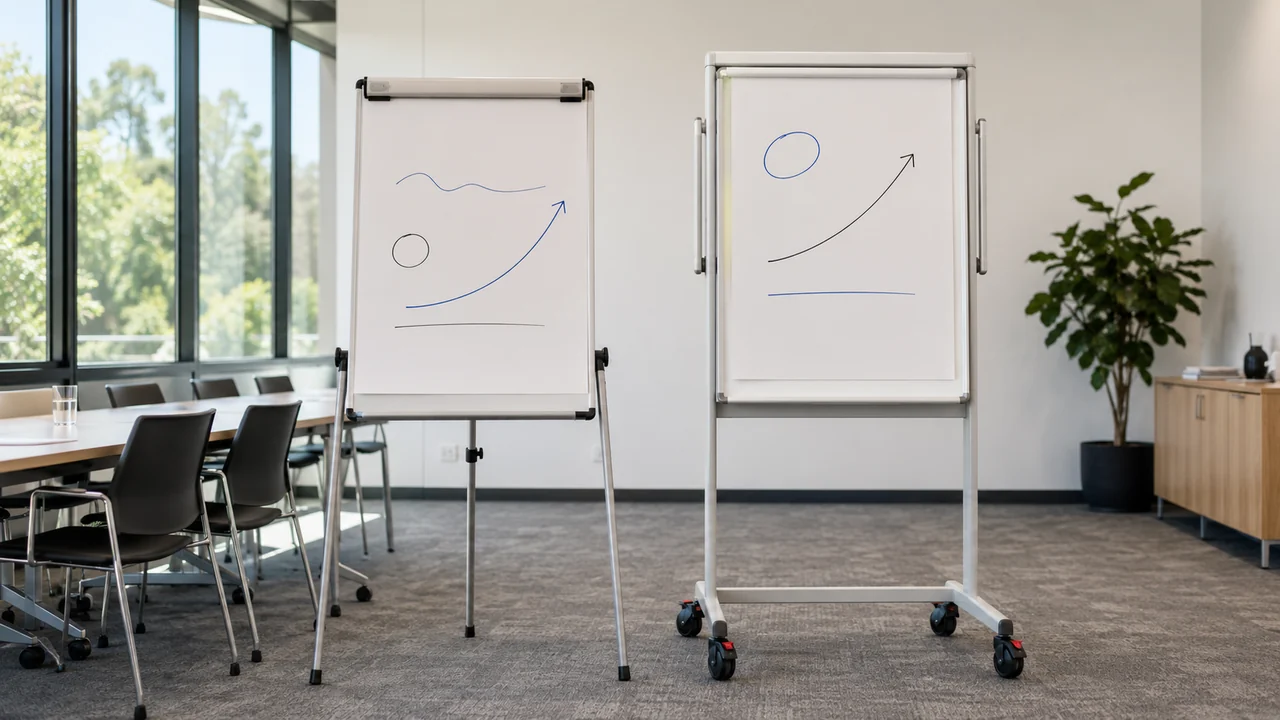
Tripod and mobile flipcharts both support presentations, training sessions and collaborative workshops, but they suit different room layouts and working styles.
A tripod flipchart is generally the better choice when portability, compact storage and quick setup are the main priorities. A mobile flipchart on locking castors is usually more suitable when the board moves frequently within a facility, receives heavier daily use or needs greater stability during interactive sessions.
Surface type also matters. Standard magnetic dry-erase flipcharts provide practical everyday functionality, while magnetic glass flipcharts suit workplaces seeking a more contemporary writing surface and presentation style.
1. Define How the Flipchart Will Be Used
Common applications include:
• Staff training
• Classroom teaching
• Workshops
• Brainstorming
• Project planning
• Team meetings
• Presentations
• Conference sessions
• Interviews
• Group exercises
• Temporary signage
• Displaying prepared material
Then consider how regularly the flipchart will be used.
A tripod easel brought into a room for occasional presentations has different requirements from a mobile flipchart used throughout the day by trainers, teachers or project teams.
Ask:
• Will the flipchart remain in one room?
• Does it need to move between rooms?
• Will it be transported to external venues?
• How often will users write directly on the board?
• Will paper sheets remain displayed during the session?
• Does the unit need magnetic functionality?
• How much storage space is available?
• Will presenters of different heights use it?
• Does the room have carpet, thresholds or uneven flooring?
These questions usually determine whether a tripod or mobile frame is more practical.
Buyers can compare the complete range of flipcharts and easels after establishing the intended workflow.
2. Understand the Main Flipchart Formats
Commercial flipcharts are available in several configurations.
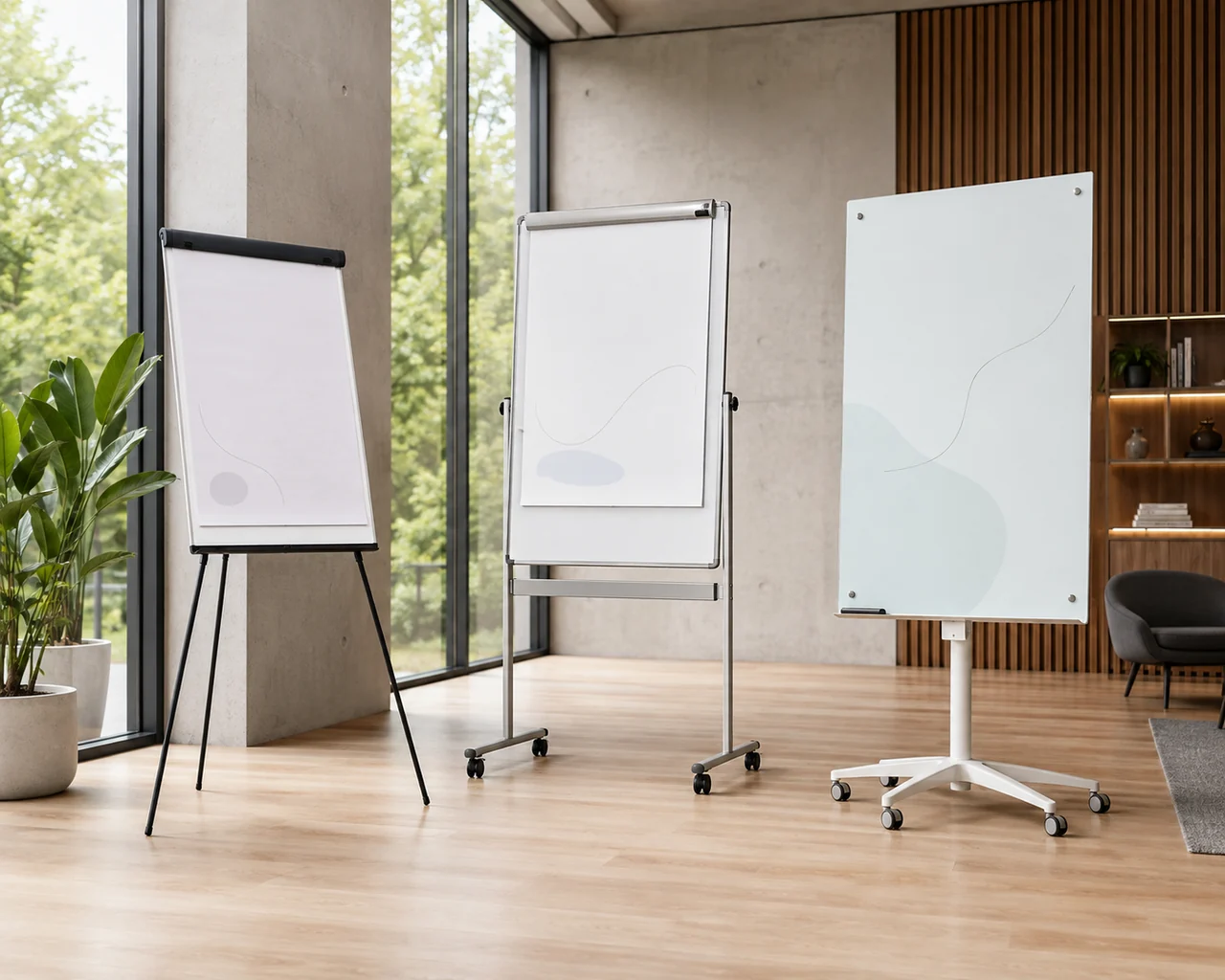
Tripod Flipcharts
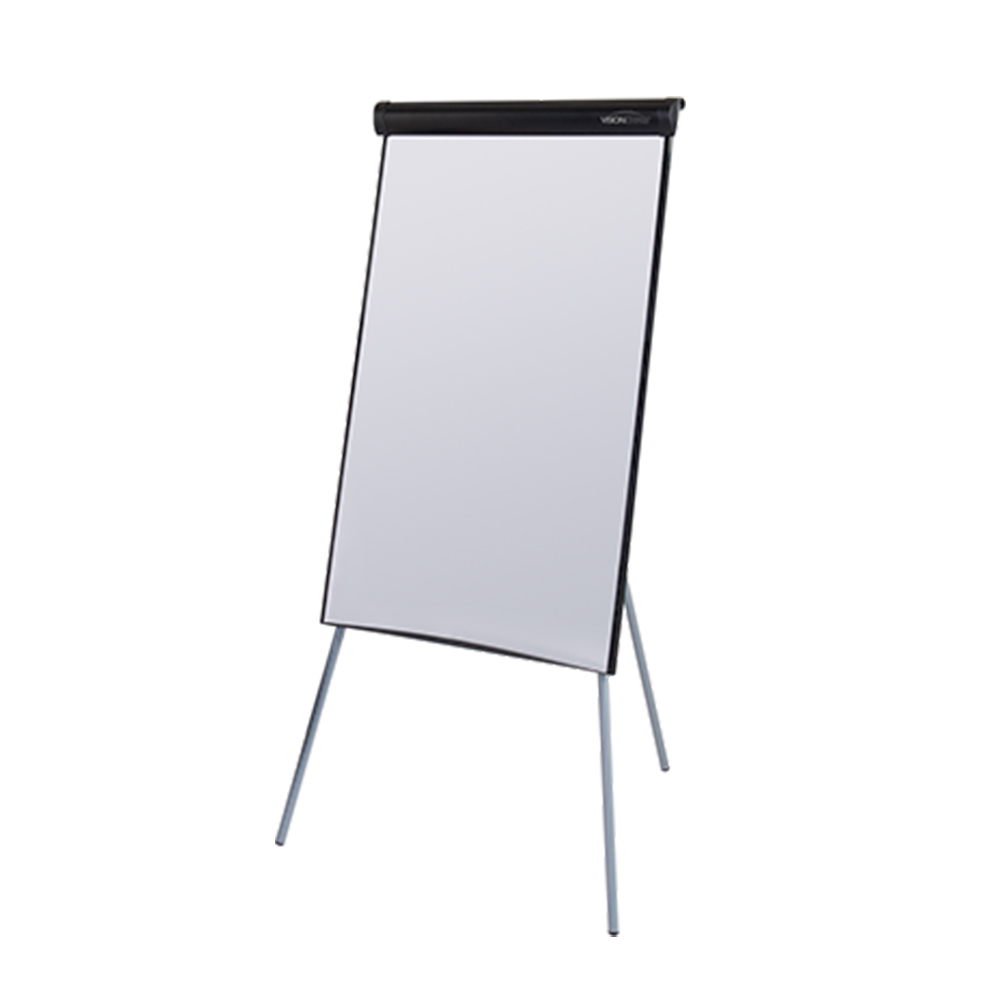
A tripod flipchart uses three folding or telescopic legs to support the board.
It is designed primarily for:
• Portability
• Compact storage
• Straightforward setup
• Occasional presentations
• Movement between buildings or venues
• Rooms with limited permanent floor space
The board may include a magnetic dry-erase surface, flipchart pad hooks and a pen tray.
Mobile Flipcharts
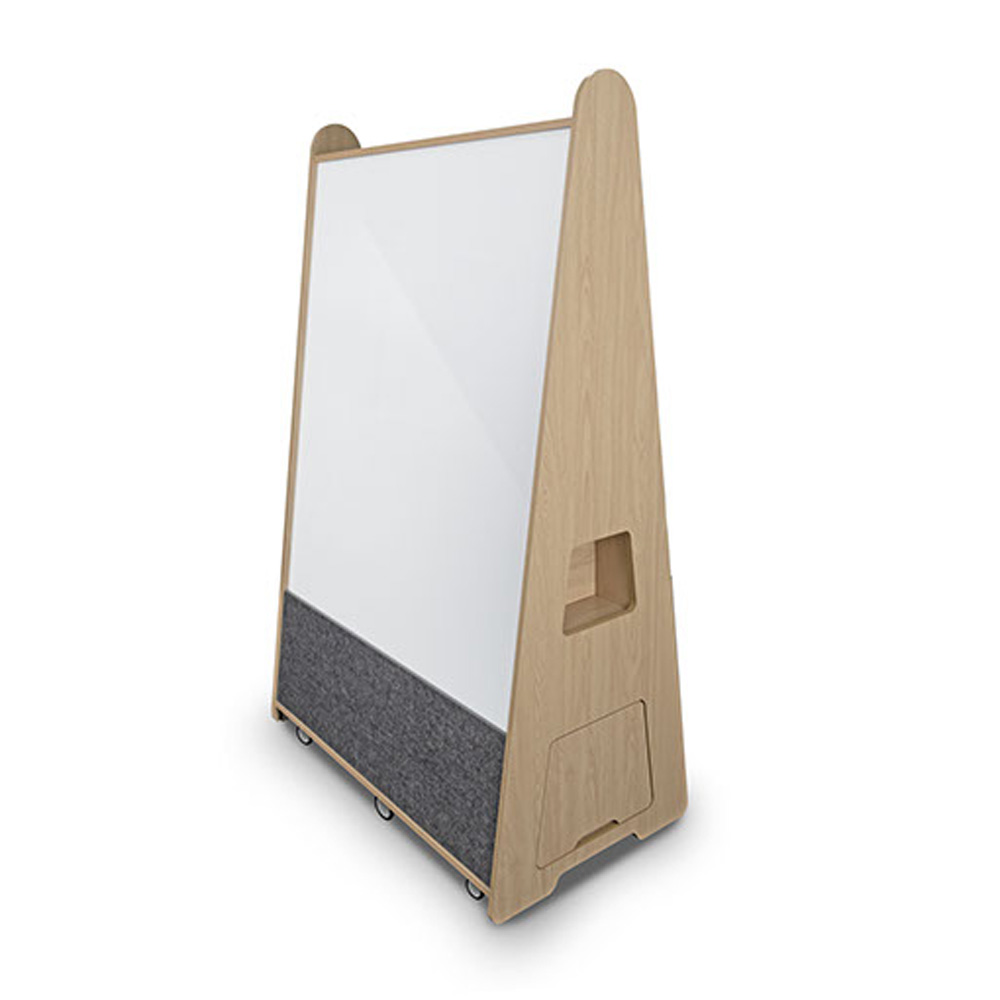
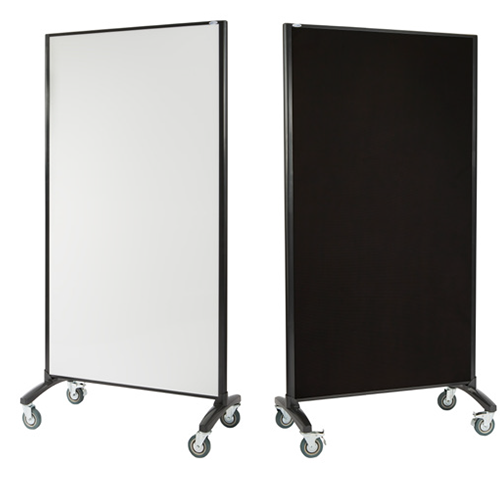
A mobile flipchart is supported by a central column or full frame mounted on castors.
It is designed for:
• Frequent room-to-room movement
• Daily training or teaching
• Greater stability
• Flexible meeting spaces
• Workshop environments
• Easier repositioning without folding the frame
Lockable castors allow the unit to be secured while users write.
Magnetic Glass Flipcharts
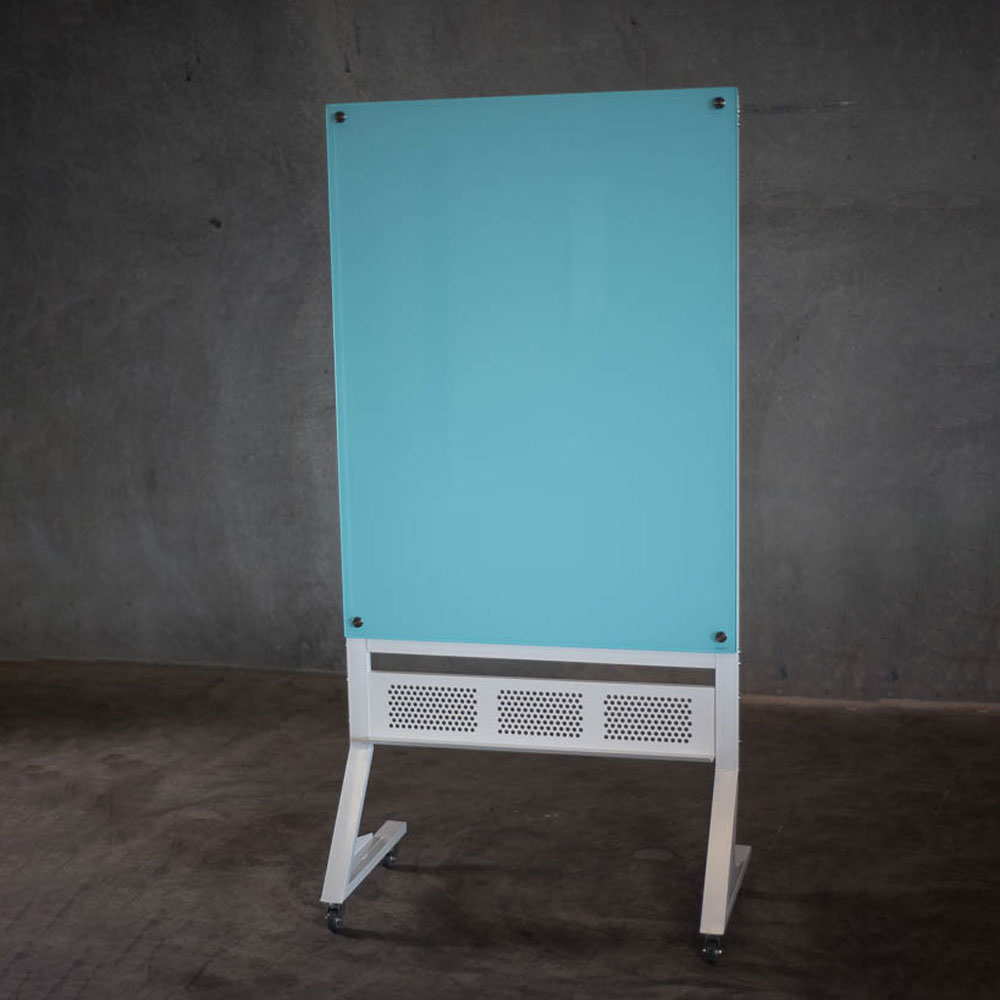
A magnetic glass flipchart combines a mobile frame with a glass writing surface.
This can provide:
• A contemporary appearance
• Smooth dry-erase writing
• Magnetic functionality
• Locking castors
• Height adjustment
• Flipchart paper support
Glass models are generally heavier and should be assessed carefully for storage, access and movement requirements.
Basic Display Easels
A basic easel may be sufficient when the requirement is limited to supporting a rigid presentation board, poster or sign.
It may not provide:
• A reusable writing surface
• Flipchart paper hooks
• Magnetic document display
• Integrated marker storage
• Mobile castors
Choose a flipchart rather than a simple display easel when users need to write, attach paper or capture information during the session.
3. Choose a Tripod Flipchart for Portability and Storage
Tripod flipcharts are useful when the presentation tool needs to be folded, stored or transported regularly.
They can suit:
• Trainers visiting different locations
• Small offices
• Community facilities
• Temporary meeting rooms
• Education environments
• Conference presenters
• Facilities with limited storage
• Rooms that do not require a permanent presentation board
The Flipchart Standard combines a magnetic dry-erase surface with telescopic tripod legs, adjustable pad hooks and a built-in pen shelf. Its current specification allows height adjustment up to 1860mm.
Advantages of Tripod Flipcharts
A tripod frame can provide:
• Compact folded storage
• Lower overall weight
• Easy transport
• Quick setup
• Height adjustment
• A smaller storage footprint
• Suitability for occasional use
Limitations of Tripod Flipcharts
A tripod may be less suitable when:
• Users write with significant pressure
• The unit moves repeatedly during the day
• The room has uneven flooring
• Several participants gather closely around it
• The flipchart needs to hold several exposed sheets
• Maximum stability is required
• The frame must roll between rooms while assembled
The legs also require adequate floor clearance. A compact board can still create a broad footprint once the tripod is opened fully.
4. Choose a Mobile Flipchart for Frequent Movement
A mobile flipchart is generally better when the board remains assembled and moves regularly within a workplace, school or training facility.
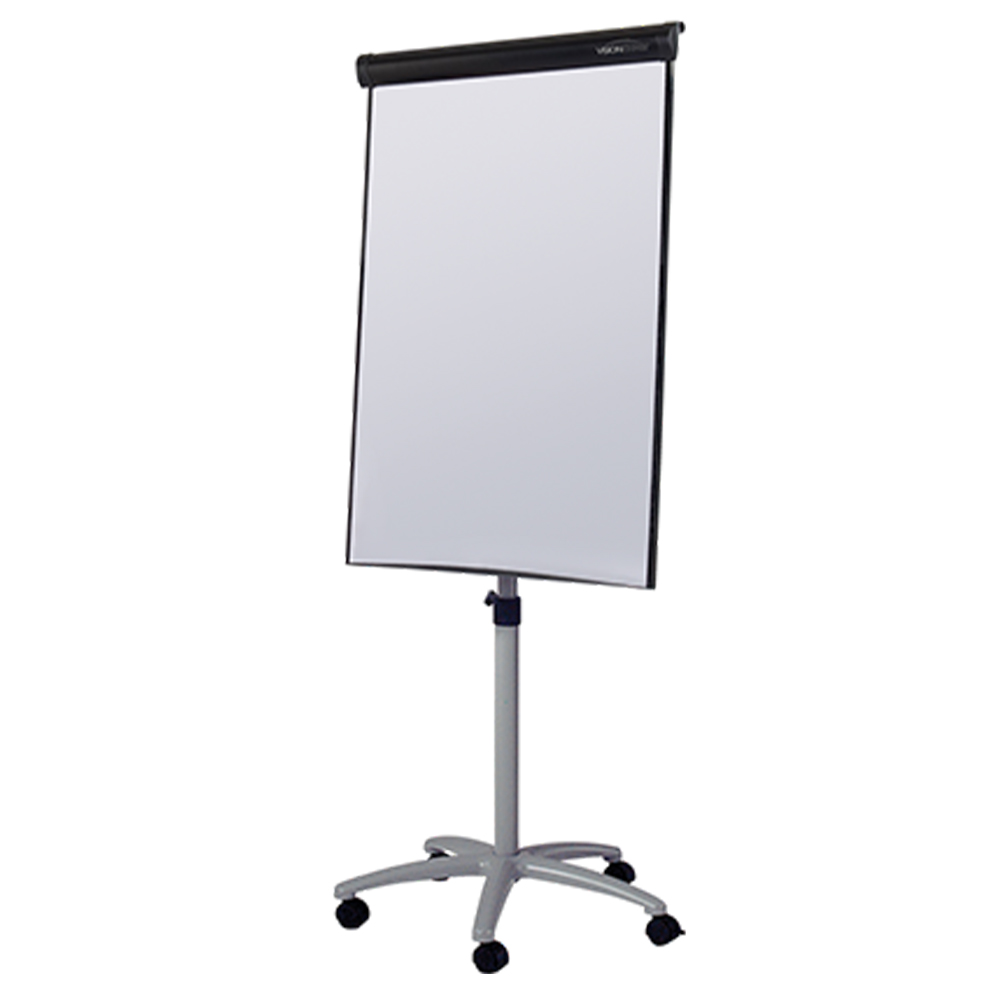
The Flipchart Deluxe uses a wheeled base with locking castors, a magnetic dry-erase surface and adjustable flipchart pad hooks. Its current height-adjustment range is 1550mm to 1920mm.
It also includes two side arms that can hold additional paper sheets during a presentation.
Mobile flipcharts can suit:
• Dedicated training facilities
• Large offices
• Flexible classrooms
• Conference centres
• Multipurpose rooms
• Government workplaces
• Healthcare training areas
• Project environments
Advantages of Mobile Flipcharts
A mobile model can provide:
• Greater stability
• Easy movement while assembled
• Locking wheels
• A permanent ready-to-use setup
• Stronger support for regular writing
• Extra paper-display features
• Convenient movement between adjacent rooms
Limitations of Mobile Flipcharts
A mobile unit may require:
• More floor space
• Wider doorway access
• A permanent storage position
• Suitable lift access
• Clear corridors
• Flat or manageable floor transitions
It is less practical for transport in a car or storage inside a compact cupboard.
5. Compare Standard and Glass Writing Surfaces
The writing surface affects appearance, maintenance, magnetic use and long-term suitability.
Magnetic Dry-Erase Whiteboard Surface
A standard magnetic whiteboard surface is practical for:
• Training notes
• Diagrams
• Brainstorming
• Attaching printed documents
• Everyday office presentations
• Classroom explanations
• Temporary planning
Users can alternate between flipchart paper and direct dry-erase writing.
A magnetic whiteboard surface generally provides the strongest balance of functionality and value for routine commercial or education use.
Magnetic Glass Surface
A glass writing surface can provide:
• Smooth marker movement
• A contemporary appearance
• Strong resistance to ordinary staining
• Easy cleaning with compatible products
• Magnetic document display
• A premium presentation style
The Magnetic Glass Flipchart currently combines a 960mm-high by 700mm-wide glass writing surface with a mobile, height-adjustable frame and locking castors.
Confirm which markers, cleaners and magnets are compatible with the selected glass surface. Standard whiteboard magnets may not provide the required holding strength through glass.
Which Surface Should You Choose?
Choose a standard magnetic surface when:
• The flipchart is primarily functional
• Budget is important
• Several rooms or departments require units
• Staff are familiar with conventional whiteboards
• The board will receive general everyday use
Choose a glass surface when:
• Appearance is a significant consideration
• The flipchart will be used in client-facing spaces
• Easy cleaning is a priority
• A premium boardroom or training-room finish is preferred
• The additional weight and cost suit the project
6. Confirm Flipchart Pad Compatibility
Flipchart stands use hooks or clamps to hold paper pads, but product dimensions and mounting systems can vary.
Before ordering, check:
• Pad width
• Pad height
• Hole spacing
• Hook adjustability
• Paper weight
• Number of sheets
• Perforation
• Compatibility with the chosen stand
• Whether a pad is included
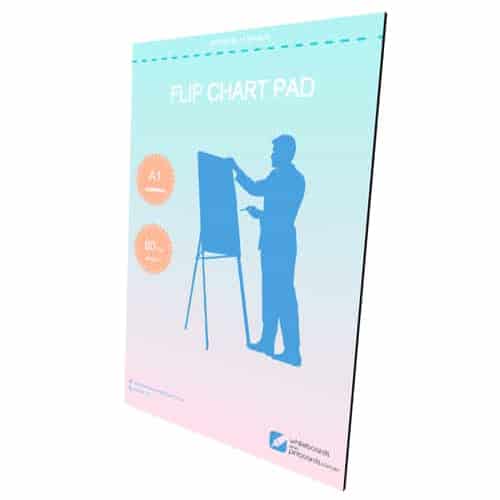
The available flipchart pad contains 25 perforated A1 sheets measuring 584mm by 864mm. The current paper specification is 80gsm.
Why Paper Weight Matters
Thicker paper can help:
• Reduce marker bleed-through
• Improve page durability
• Make removed sheets easier to display
• Prevent sheets tearing around the hooks
• Support preparation before a session
Markers can still bleed through some paper. Test the intended pens before preparing a complete presentation.
Place a protective sheet behind the active page where necessary.
Check the Hooks Before the Session
Adjustable pad hooks are useful because paper products may not share identical hole spacing.
Before presenting:
- Fit the pad to the hooks.
- Confirm that the pages turn freely.
- Check that the pad does not slide sideways.
- Test the perforations.
- Confirm the paper clears the pen tray.
- Prepare spare pads where the session is lengthy.
7. Assess Stability During Writing
A flipchart needs to remain stable while the presenter writes, changes pages and attaches documents.
Stability depends on:
• Base design
• Leg spread
• Frame construction
• Floor type
• Castor locks
• Board height
• Writing pressure
• Paper weight
• Side-arm use
• Number of participants around the unit
Tripod Stability
A tripod should be opened fully and placed on a level surface.
Check that:
• All legs are firmly positioned
• The stay or stabilising bar is engaged
• The board does not rock
• Walkways remain clear
• Power leads do not cross the legs
• Participants cannot easily contact the frame
Avoid narrowing the tripod footprint simply to make it fit a smaller area. This can reduce stability.
Mobile-Frame Stability
A mobile unit should have its castors locked before writing begins.
Check that:
• Every required castor lock is engaged
• The board does not roll under pressure
• The base remains clear of chairs and tables
• The frame is not positioned on a slope
• The unit is moved using its frame or designated grip points
A wheeled base is convenient, but it should not move during active use.
8. Match Height Adjustment to the Presenters
A height-adjustable flip chart stand can accommodate different presenters and audience layouts.
The correct position should allow the presenter to:
• Reach the upper writing area
• Write without raising the shoulder excessively
• Turn pages comfortably
• Access the pen shelf
• Maintain clear sightlines for the audience
• Avoid bending for the lower writing area
Consider both seated and standing use.
A lower height can suit:
• Small group discussions
• Seated workshops
• Children
• Accessible presentation layouts
• Compact rooms
A higher setting can suit:
• Standing presenters
• Larger groups
• Training rooms with several rows
• Displays viewed from a distance
Do not position the board so high that staff cannot safely replace the paper pad or reach the hooks.
9. Consider Viewing Distance and Writing Area
The writing area needs to remain visible to the furthest participant.
Assess:
• Room depth
• Number of attendees
• Seating arrangement
• Normal handwriting size
• Lighting
• Presenter position
• Competing screens or boards
• Whether several sheets will remain displayed
Flipchart paper is smaller than many wall-mounted whiteboards. It works best for concise information rather than dense text.
Use:
• Large headings
• Short bullet points
• Simple diagrams
• High-contrast marker colours
• One main idea per sheet
• Generous spacing
For practical presentation guidance, review the existing article on using flip charts effectively.
A larger whiteboard or interactive display may be more appropriate when detailed information must remain visible to a large audience.
10. Decide Whether Side Arms Are Worthwhile
Selected mobile flipcharts include side arms that hold completed paper sheets beside the main board.
Side arms can be useful for:
• Comparing two ideas
• Retaining a workshop agenda
• Displaying group feedback
• Keeping earlier notes visible
• Showing prepared reference material
• Separating actions from discussion notes
They provide more visible information without requiring several separate easels.
However, side arms also increase the overall width of the setup.
Before extending them, check:
• Clearance beside the flipchart
• Nearby furniture
• Walkway width
• Paper movement from air-conditioning
• Visibility from each seating position
• Risk of participants contacting the exposed sheets
Side arms add value in workshops and structured training but may be unnecessary for brief presentations.
11. Plan Storage, Transport and Room Access
The frame format influences where the flipchart can be stored and how it moves through the building.
Tripod Storage
A folded tripod can often be stored:
• In a meeting-room cupboard
• Beside other presentation equipment
• Inside a training-resource area
• Against a protected storeroom wall
• In a suitable carry case where available
Measure the folded length and width before assuming it will fit inside existing storage.
Mobile Flipchart Storage
A mobile flipchart generally remains upright.
Confirm:
• Storage-floor area
• Doorway width
• Lift dimensions
• Corridor turns
• Wheel clearance
• Ceiling clearance
• Protection from passing trolleys
• Access to the room where it is used most often
Do not store the unit in an emergency exit, fire equipment clearance area or narrow circulation route.
External Transport
A tripod is usually more suitable when the flipchart travels to external venues.
A mobile frame may require:
• A commercial vehicle
• Secure restraint
• Careful loading
• Protection for the writing surface
• Ramp or lift access
Glass flipcharts require particularly careful handling.
12. Match the Flipchart to the Environment
Offices and Meeting Rooms
A tripod flipchart can suit occasional brainstorming and project meetings where the unit is stored afterwards.
A mobile model is more practical for organisations running regular workshops or training sessions.
Training Facilities
Training facilities generally benefit from:
• Locking castors
• Height adjustment
• Side arms
• Magnetic writing surfaces
• Reliable paper hooks
• Integrated marker storage
A mobile model can remain assembled and ready for each session.
Classrooms
Tripod flipcharts provide portable teaching space without permanent wall installation.
Mobile models may suit classrooms where:
• Furniture changes regularly
• Several groups use the board
• The teacher moves resources between rooms
• Greater stability is required
• Completed sheets remain displayed
Conferences and Events
Tripod easels are useful where equipment must be transported, set up and removed quickly.
Mobile units can suit permanent conference facilities with dedicated storage and level access.
Healthcare and Government Training
A stable mobile flipchart can support inductions, briefings and workshops where presentation tools move between nearby rooms.
Sensitive information should be removed from the board and paper sheets after each session.
13. Estimate the Required Number of Flipcharts
One flipchart may be sufficient for a conventional presenter-led session.
Several units can be more effective when:
• Participants divide into groups
• Each team records separate ideas
• Several stations operate simultaneously
• Completed sheets need to remain visible
• Multiple rooms run sessions at the same time
• Facilitators need a dedicated board
For workshop procurement, record:
• Maximum number of groups
• Number of training rooms
• Frequency of simultaneous sessions
• Required paper-pad quantities
• Marker sets
• Storage positions
• Transport requirements
• Spare units for high-use facilities
Several tripod flipcharts may be easier to store than several mobile units. Mobile models may provide better long-term convenience where each room has a dedicated board.
14. Avoid Common Flipchart Buying Mistakes
Selecting by Price Alone
A low-cost frame provides limited value if it wobbles, lacks height adjustment or cannot hold the required paper.
Choosing Tripod Without Measuring the Open Footprint
The legs may obstruct tables, chairs or walkways.
Choosing Mobile Without Planning Storage
A wheeled flipchart still needs a permanent floor position when not in use.
Assuming Every Easel Has a Writing Surface
Some easels only support separate boards, posters or signs.
Ignoring Paper Compatibility
Confirm the pad size, hook spacing and sheet weight.
Forgetting to Lock the Castors
A mobile flipchart should remain stationary during writing.
Choosing Glass Without Checking Accessories
Confirm compatible markers, cleaning products and magnets.
Buying Too Few Paper Pads
Training facilities should account for preparation, group activities and replacement stock.
Ignoring Doorways and Lifts
Measure the assembled mobile frame before ordering.
Using Small Writing for a Large Audience
Flipchart paper requires concise wording and large, high-contrast lettering.
Final Flipchart Stand Checklist
Before ordering, confirm:
• Primary application
• Frequency of use
• Tripod or mobile frame
• Internal or external transport
• Required stability
• Available floor space
• Storage position
• Doorway and lift access
• Height-adjustment range
• Magnetic requirements
• Standard or glass writing surface
• Flipchart pad size
• Adjustable hook requirements
• Side-arm requirements
• Pen-shelf requirements
• Normal viewing distance
• Number of simultaneous groups
• Required paper-pad quantity
• Marker compatibility
• Cleaning requirements

Conclusion
Choose a tripod flipchart when portability, folding storage and occasional room use are the main priorities.
Choose a mobile flipchart when the board will be used regularly, moved between nearby rooms and written on during interactive sessions. Locking castors, height adjustment and side arms can provide additional value in training facilities and flexible classrooms.
Choose a magnetic glass flipchart when a contemporary writing surface and premium presentation style justify the additional weight and cost.
The best flip chart stand should remain stable, fit the available space, hold the selected paper pad and stay easy for presenters to adjust and use.
For exclusive educator discounts, visit our Education Hub!