

In a world dominated by digital slides and presentation software, flip charts remain one of the most effective and reliable tools for communication. Whether used in classrooms, offices, or training sessions, a flip chart presentation offers a simple, interactive, and highly visual way to present ideas.
If you’ve been comparing different presentation tools – from whiteboards to digital displays – understanding how flip charts work can help you choose the right solution for your space.
What Is Flip Chart Presentation?
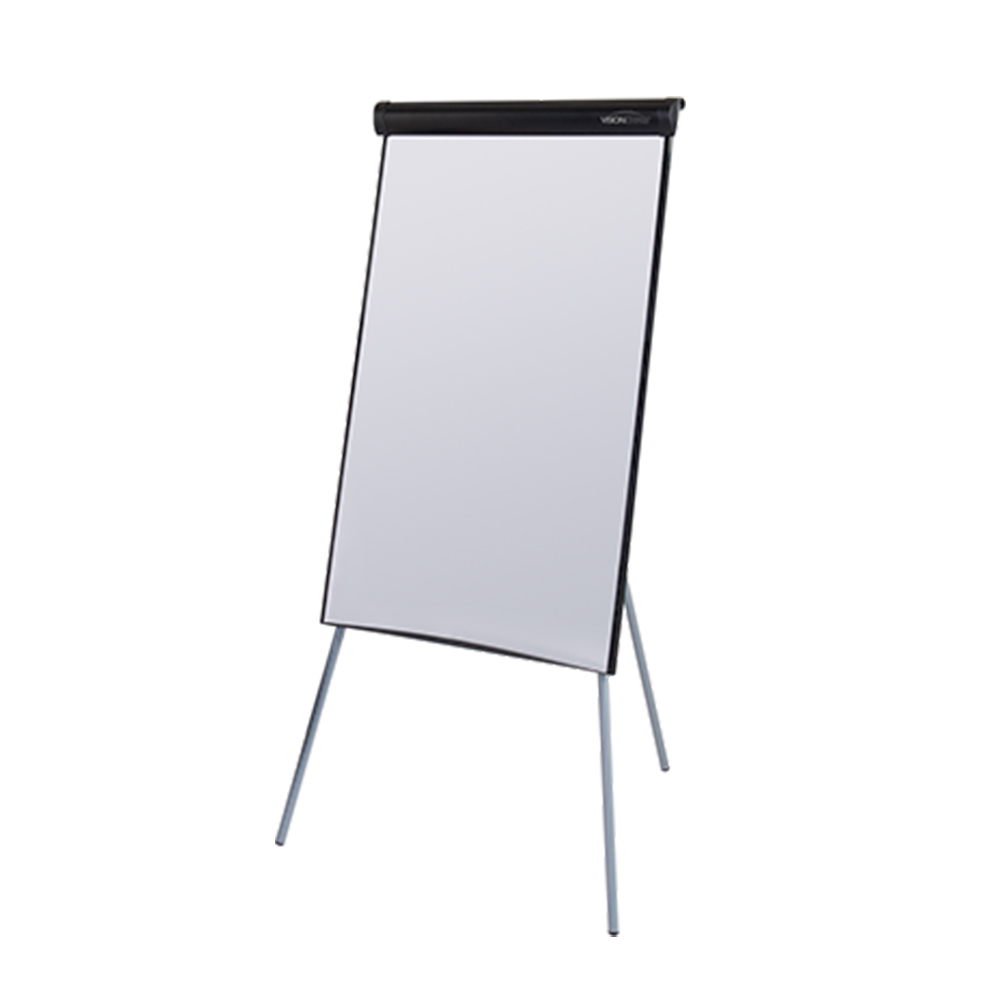
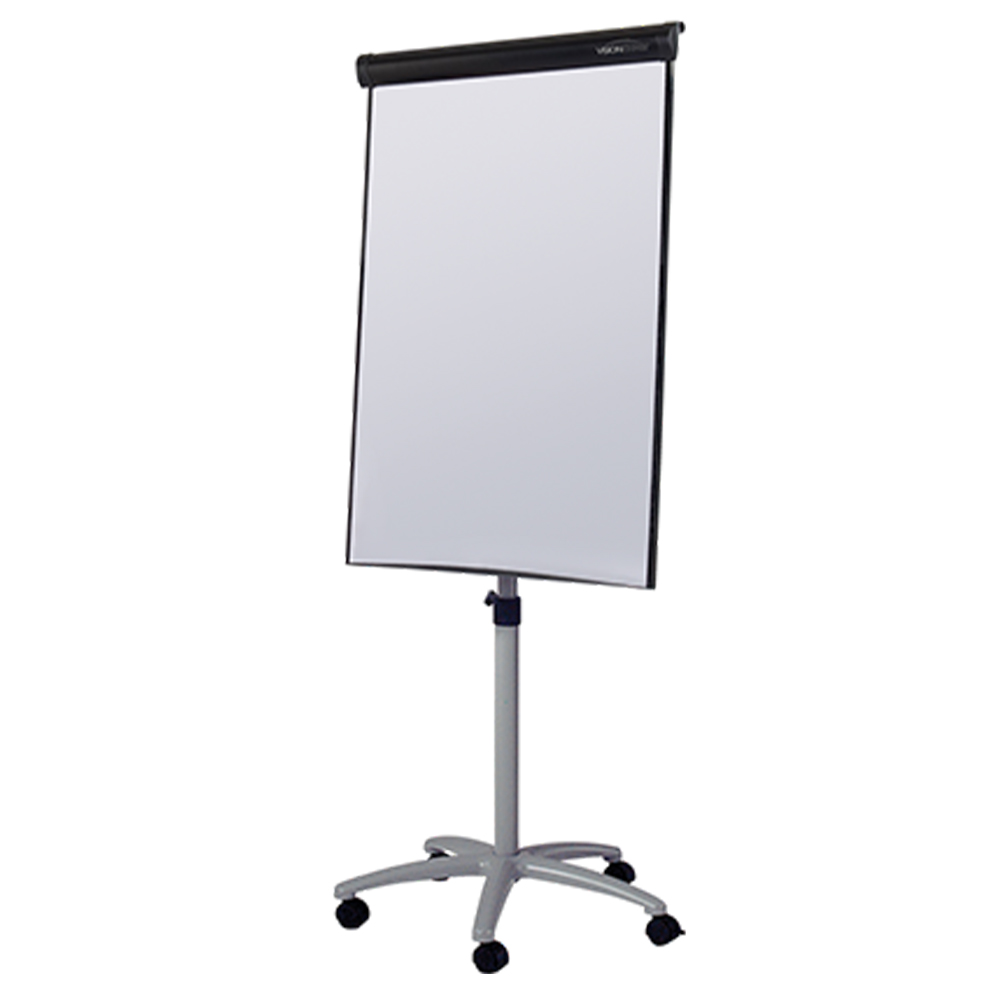
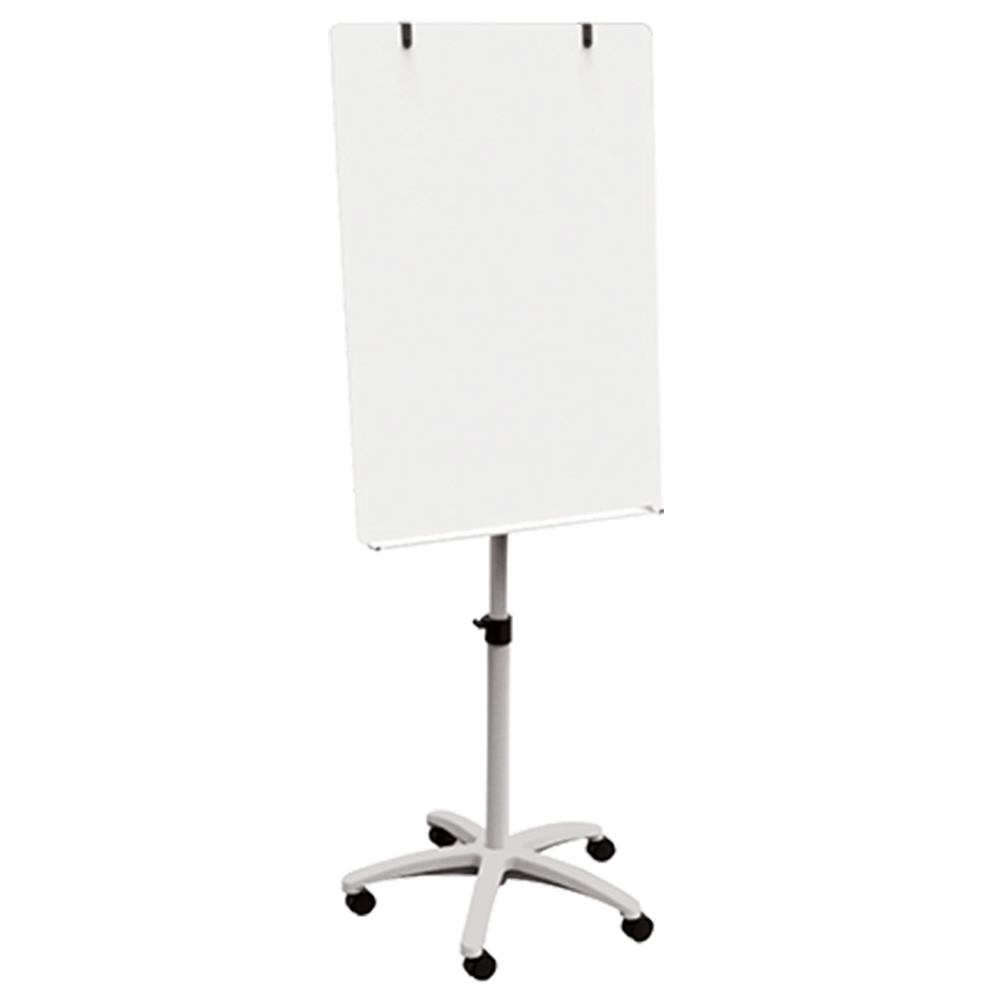
A flip chart presentation involves using a pad of large paper sheets mounted on a stand or easel to display information to an audience. Each page can be written or drawn on, then flipped over to reveal the next section of the presentation.
This method allows presenters to communicate ideas visually, step-by-step, while maintaining flexibility and interaction with their audience.
Unlike digital presentations, flip charts don’t rely on technology – making them a dependable and adaptable option for a wide range of environments.
Why Flip Chart Presentations Are Still Popular?
Despite the rise of PowerPoint and digital screens, flip charts continue to be widely used because they offer unique advantages that digital tools can’t always replicate.
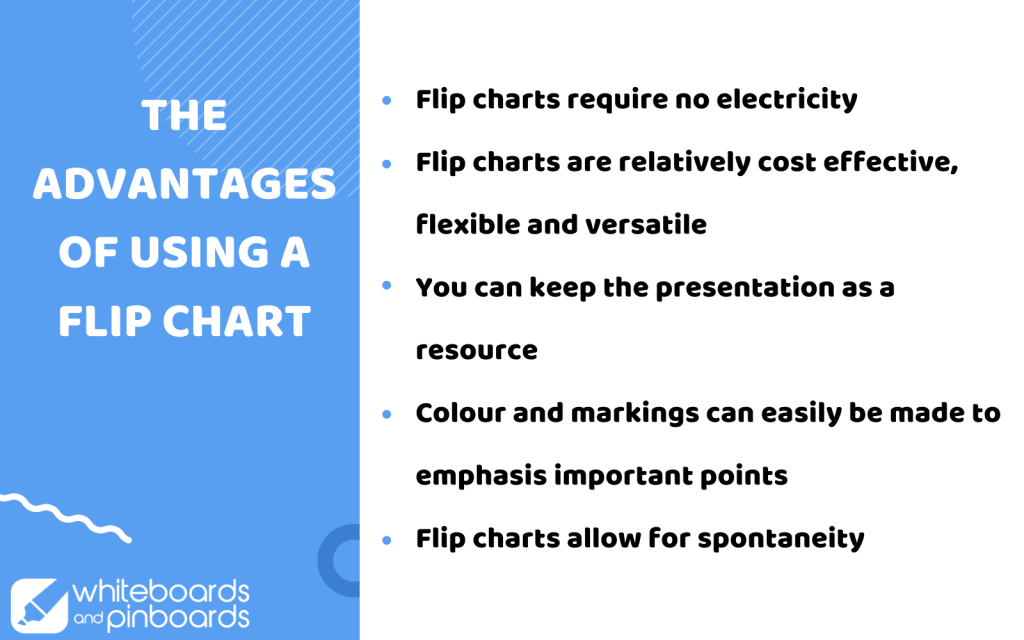
Flip chart presentations are:
- Interactive – presenters can capture ideas in real time
- Flexible – content can be adapted during the presentation
- Reliable – no need for power, software, or setup
- Engaging – encourages participation and discussion
They are especially useful in environments where collaboration and real-time input are important, such as meetings, workshops, and classrooms.
Flip Chart Presentation Examples:
Flip charts are used across a wide range of professional and educational settings, making them one of the most versatile presentation tools available.
In Offices & Meeting Rooms
Flip charts are ideal for brainstorming sessions, strategy planning, and team discussions. They allow teams to visualise ideas, map out processes, and capture feedback instantly.
In Classrooms
Teachers use flip charts to explain concepts, encourage participation, and create interactive lessons. They’re particularly effective for visual learners and group activities.
Shop our Most Popular Categories
In Training & Workshops
Flip charts help facilitators guide discussions, record insights, and display key takeaways throughout a session. They also allow content to remain visible for ongoing reference.
In Presentations & Interviews
Using a flip chart during a presentation or interview can make your delivery more memorable and engaging, helping you clearly communicate key points.
How to Do a Flip Chart Presentation
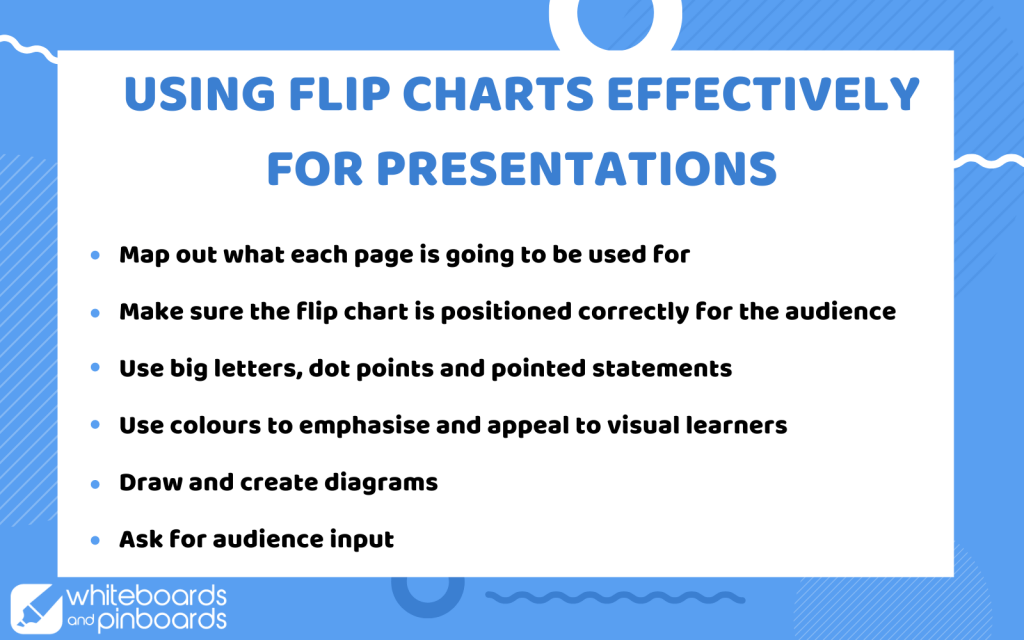
To get the most out of your flip chart, preparation is key.
- Plan each page in advance
- Use clear headings and bullet points
- Write in large, readable text
- Use colour to highlight key ideas
- Prepare some pages ahead of time if needed
A well-prepared flip chart presentation ensures your message is clear, structured, and easy to follow.
Benefits of Using a Flip Chart for Presentations
Choosing a flip chart over other presentation tools can offer several advantages, particularly in collaborative environments.
- Real-Time Collaboration – Flip charts allow presenters to write, draw, and adjust content as discussions evolve, making them ideal for interactive sessions.
- Better Audience Engagement – Because content is created live, audiences are more likely to stay focused and participate in the discussion.
- Visual Learning Support – Diagrams, lists, and sketches help communicate ideas clearly, supporting different learning styles and improving understanding.
- No Technical Limitations – Flip charts don’t rely on electricity or software, eliminating the risk of technical issues during important presentations.
Tips for Delivering an Effective Flip Chart Presentation
To maximise impact during your presentation:
- Position the flip chart so everyone can see it clearly
- Keep writing neat, bold, and easy to read
- Avoid overcrowding each page
- Use diagrams and visuals where possible
- Engage your audience by inviting input
One of the biggest advantages of flip charts is their ability to balance structure and spontaneity, allowing presenters to adapt in real time while still maintaining a clear message.
Flip Chart vs Digital Presentations
To maximise impact during your presentation:
- Position the flip chart so everyone can see it clearly
- Keep writing neat, bold, and easy to read
- Avoid overcrowding each page
- Use diagrams and visuals where possible
- Engage your audience by inviting input
One of the biggest advantages of flip charts is their ability to balance structure and spontaneity, allowing presenters to adapt in real time while still maintaining a clear message.
Flip Chart vs Digital Presentations
Even in modern environments, flip charts remain a valuable tool for communication, planning, and collaboration. Their simplicity, flexibility, and ability to engage audiences make them a strong alternative to purely digital solutions.
This is why many organisations are still investing in high-quality flip charts, mobile presentation boards, and collaborative planning tools to support effective communication.
Shop Flip Charts & Presentation Boards
Looking to upgrade your presentation setup? Explore our range of flip charts, mobile presentation boards, and office collaboration tools designed for classrooms, meeting rooms, and professional environments.
Whether you need:
- Portable flip charts for meetings
- Classroom presentation boards
- Planning tools for workshops
- Collaborative office solutions
We offer durable, high-quality options to help you deliver clear, engaging presentations every time.




Thanks for finally writing about – What Iѕ Flip Сhart Presentation? Using Flip Ꮯharts Effectively
Very good piece