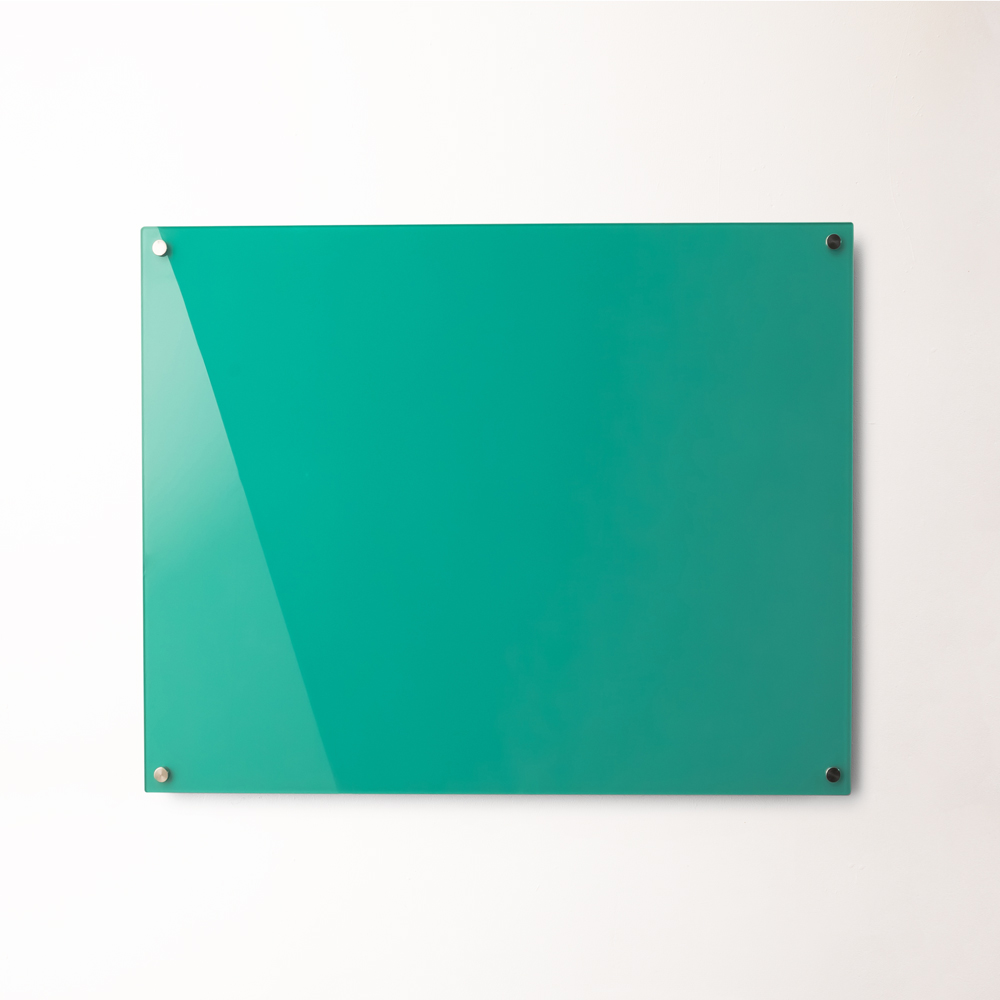

A whiteboard can fit comfortably on the wall and still be too small for the people using it. The right size depends on the amount of information displayed, the normal viewing distance, the number of simultaneous users and whether the board will be fixed or mobile.
The most reliable approach is to choose a whiteboard that can hold the busiest realistic session at a readable writing size. A board used for individual reminders can remain compact, while a classroom, training room or collaborative office generally needs more writing area than an empty wall might suggest.
Start by defining what must fit on the surface, then measure the usable wall or floor space. This prevents a common buying mistake: selecting a board by overall room size without considering how the board will actually be used.
1. Define What Must Fit on the Whiteboard
Begin with the content rather than the dimensions.
List the information users will regularly place on the board, such as:
• Meeting notes
• Diagrams and process maps
• Classroom examples
• Weekly schedules
• Project timelines
• Staff allocations
• Printed documents held with magnets
• Workshop activities
• Key performance indicators
• Information that must remain visible between sessions
A board used for brief meeting notes needs less space than one divided into several permanent planning zones. If part of the surface will hold documents, calendars or retained information, calculate the remaining writable area rather than treating the entire board as available.
Consider the busiest use case. A board may appear large enough for routine notes but become crowded during a detailed workshop or lesson.
Buyers can review the complete whiteboard range after defining the amount of information the surface needs to accommodate.
2. Measure the Usable Wall, Not Just the Room
Room dimensions do not reveal how much usable wall space is available.
Measure the intended installation area and record:
• Clear wall width
• Clear wall height
• Door and window positions
• Light switches and power outlets
• Wall-mounted screens and equipment
• Air-conditioning controls
• Furniture placed beneath the board
• Skirting, rails or architectural features
• Required access to services
• Space needed around the frame
A four-metre wall may provide considerably less usable width once a doorway, television and storage cabinet are taken into account.
Use removable painter’s tape to mark the proposed board dimensions directly on the wall. View the outline from the normal seating positions and stand in front of it as though writing. This quickly reveals whether the board feels proportionate to the room.
Check the wall construction before committing to a large board. The installation method must suit the wall material and the complete weight of the selected product.
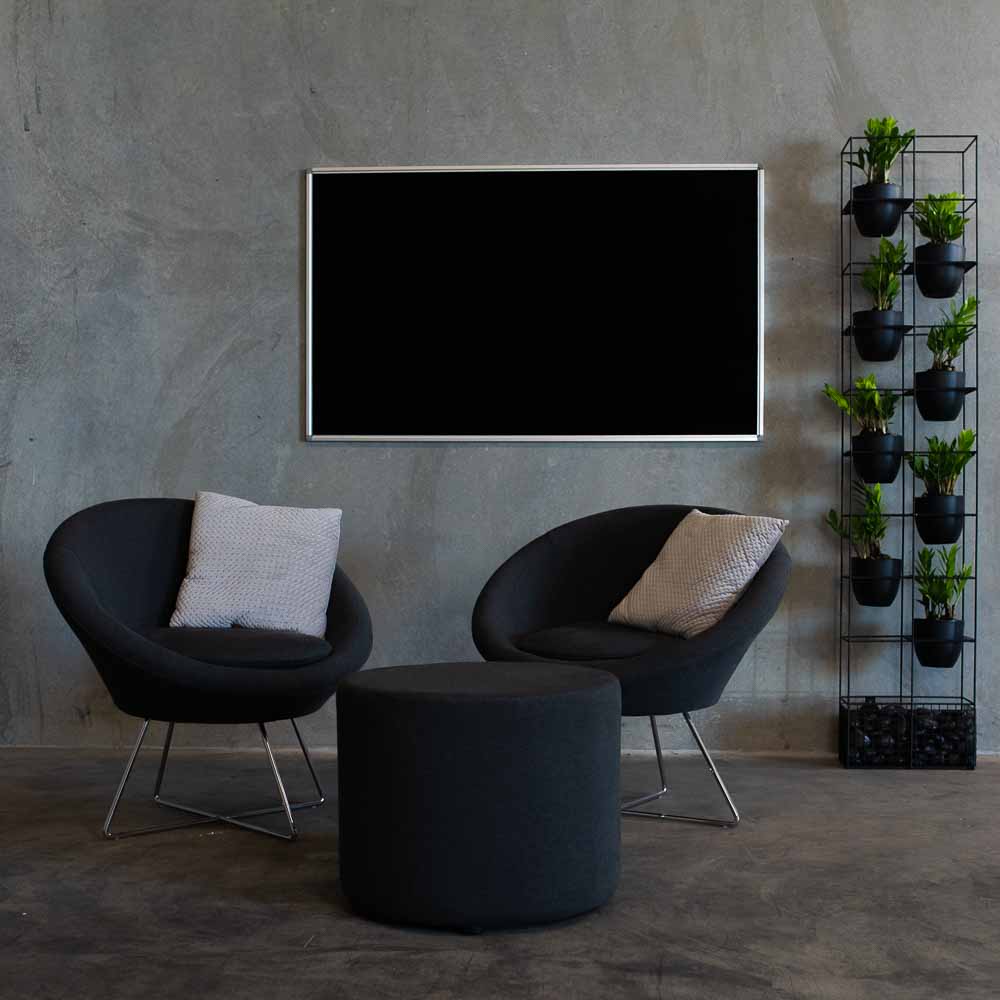
Wall-mounted fixed whiteboards are appropriate where the board needs a permanent location and the wall can support the required size.
3. Match the Size to the Viewing Distance
A whiteboard must be readable from the furthest position normally occupied by a student, employee or visitor.
Writing that looks clear at arm’s length can be difficult to read from the back of a classroom or across a boardroom table. A larger board only improves visibility when users also write at an appropriate size.
Assess:
• Distance from the board to the closest viewer
• Distance to the furthest viewer
• Typical handwriting size
• Lighting and glare
• Number of people viewing the board
• Sightlines around monitors, furniture and other users
• Whether detailed diagrams will be displayed
Small handwriting may be acceptable on a personal planning board but is usually unsuitable for group presentations.
Test the proposed arrangement before ordering. Place sample sheets or temporary marker writing within the taped wall outline, then check readability from different seats.
If the room is unusually deep, a wider board does not automatically solve the problem. The writing may need to be larger, the seating repositioned or the information supported by another display method.
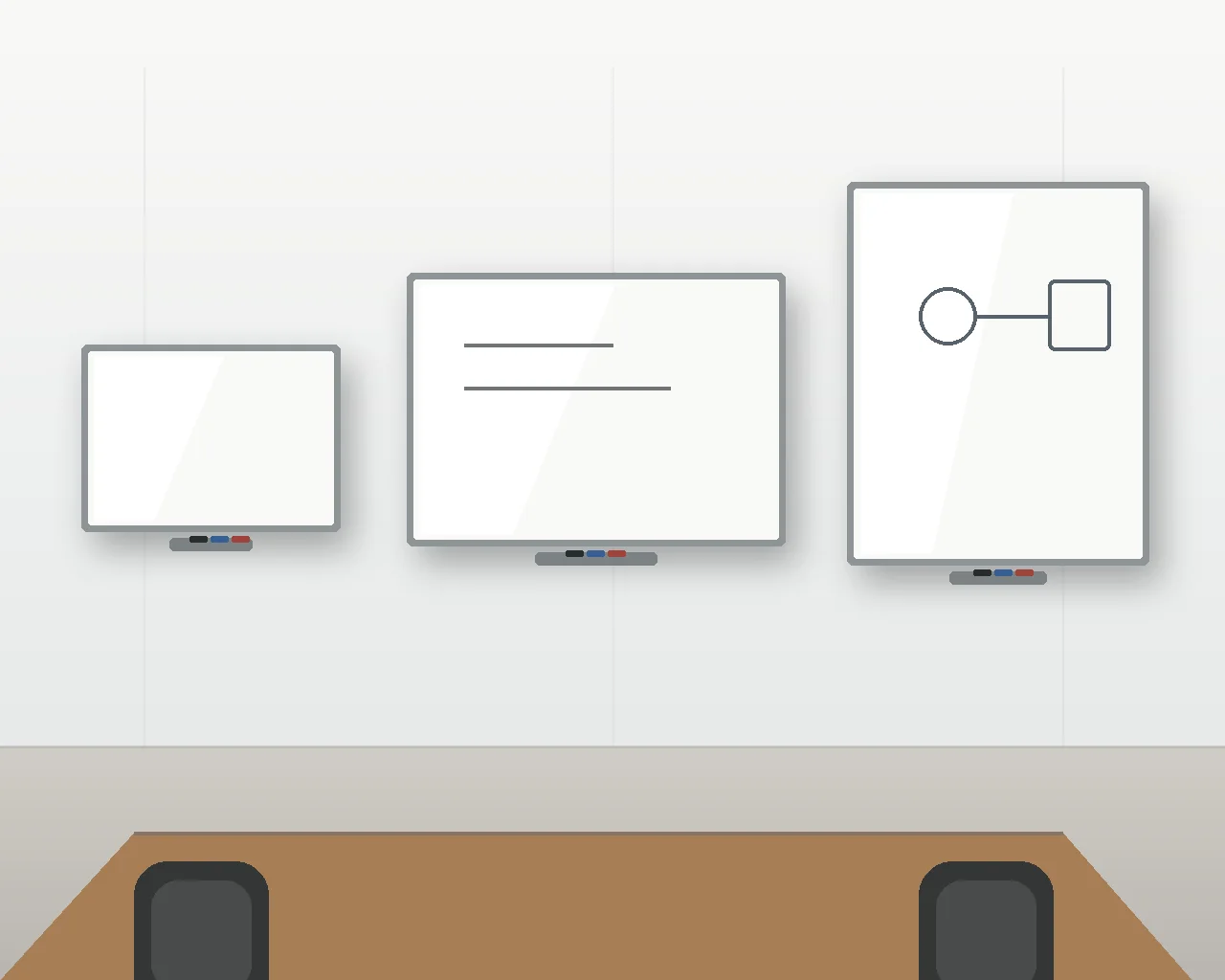
4. Compare Small, Medium and Large Whiteboards
There is no universal dimension that defines a small, medium or large whiteboard. Product ranges and room requirements vary. These terms are most useful when they describe the board’s intended role.
Small Whiteboards
A small whiteboard can suit:
• Individual offices
• Personal task planning
• Reception reminders
• Compact consultation rooms
• Home study areas
• Small meeting spaces
• Workstation-based communication
Compact boards are useful where notes remain brief and one person writes at a time. They are less suitable for detailed meetings or information that needs to be read by a group.
Before choosing a small board, write out a typical full set of notes on paper. This provides a realistic indication of the surface area required.
Medium Whiteboards
A medium-sized board can support:
• Small team meetings
• Training sessions
• Tutorial rooms
• Shared staff communication
• Weekly planning
• Project tracking
• General classroom activities
This size range often provides a useful balance between writing area and wall requirements. It can accommodate several information zones without dominating a compact room.
Large Whiteboards
A large whiteboard is usually appropriate for:
• Classrooms and lecture spaces
• Boardrooms
• Training facilities
• Project rooms
• Collaborative workshops
• Operational planning
• Multi-team scheduling
• Detailed process mapping
Large boards allow users to retain earlier information while continuing to write. They can also support multiple writers or divide the surface into separate planning areas.
Do not choose a big whiteboard only because the wall can accommodate it. The entire surface should remain reachable, visible and relevant to the work performed in the room.
5. Account for the Number of Writers
The number of people writing at the same time affects the required width.
One presenter can use a relatively narrow area efficiently. Two or three participants working side by side need defined writing zones and enough space to avoid obstructing each other.
Consider:
• Maximum number of simultaneous writers
• Space between users
• Access to markers and erasers
• Whether participants will work in separate groups
• Whether existing information must remain visible
• Required room in front of the board
For collaborative workshops, one large surface may be useful when everyone contributes to the same plan. Several smaller boards can work better when groups complete separate activities.
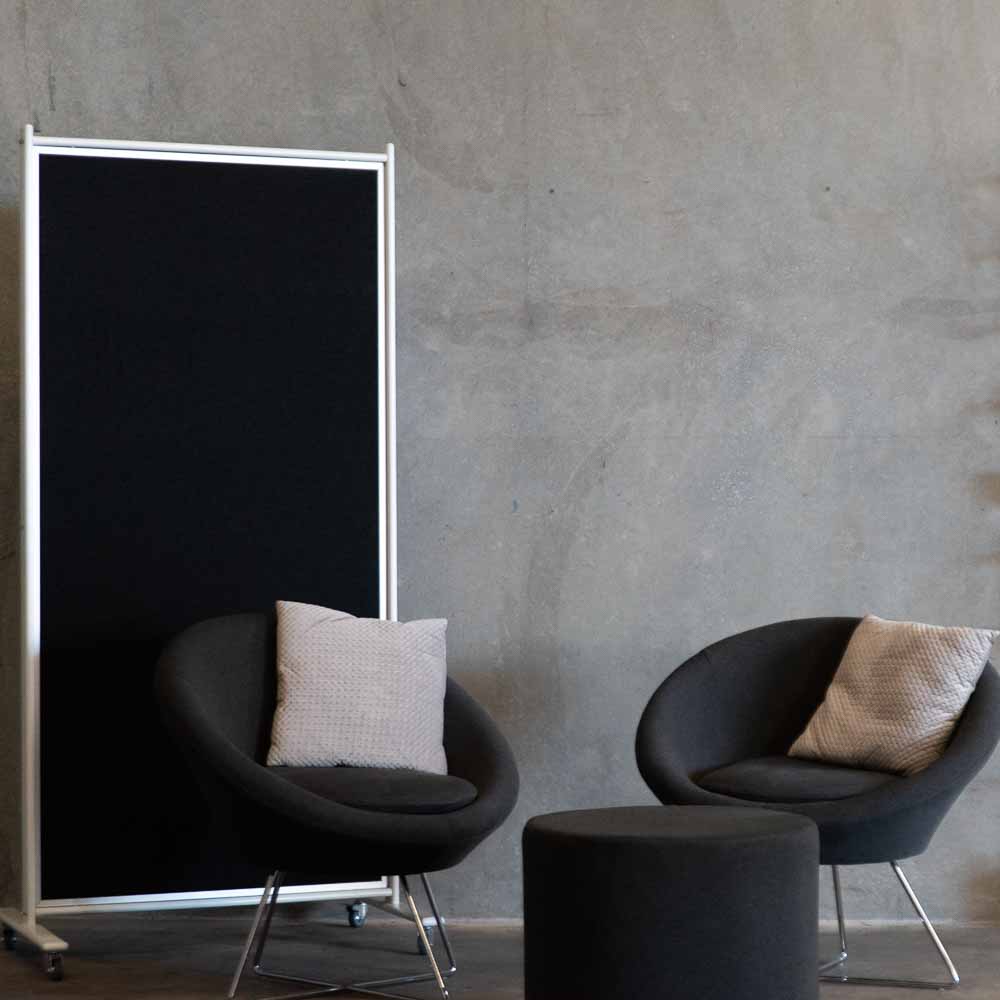
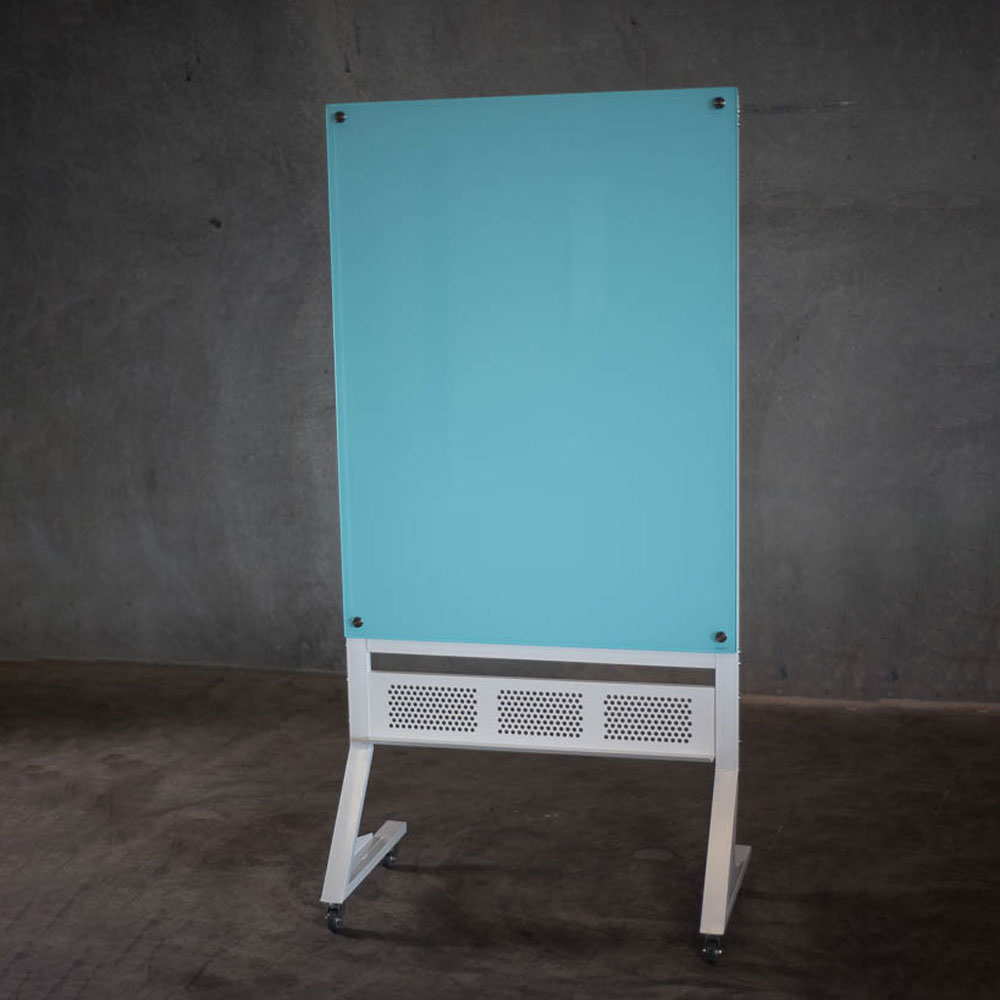
A mobile format can provide additional writing space without requiring another permanent wall. The range of mobile whiteboards includes freestanding options for training rooms, flexible workplaces and education environments.
Remember to assess the complete mobile frame rather than only the writing surface. Castor bases, supporting frames and rotation mechanisms increase the total width and depth.
6. Match the Board to the Room and Application
Different environments create different size requirements.
Offices and Meeting Rooms
An office whiteboard should reflect the type of meetings held in the room.
A compact board may suit short discussions and reminders. A larger board is more useful when teams regularly work through project plans, process maps, budgets or timelines.
Consider the length of the meeting table. People seated near the far end must still be able to read the board without moving.
Classrooms and Education Facilities
A classroom whiteboard usually needs to be visible from several seating positions and provide enough space for lesson material to remain on display while new information is added.
Check:
• Student viewing distance
• Teacher reach
• Mounting height
• Furniture placement
• Interactive equipment
• Required writing zones
• Subject-specific diagrams
• Accessibility for different users
The education whiteboard range can help schools compare teaching, student and specialist board formats.
Training Rooms
Training sessions often require diagrams, lists and participant contributions. A larger fixed board or double-sided mobile board can provide the necessary capacity.
Where room layouts change regularly, mobility may be more valuable than maximum wall coverage.
Operational and Project Areas
Operational boards may contain permanent headings, targets, schedules and status information. Calculate how much surface remains available after the fixed layout is applied.
A custom printed board can use space more efficiently than repeatedly drawing the same structure on a plain surface.
7. Choose the Right Orientation
Whiteboard orientation affects how information is organised.
Landscape Orientation
Landscape boards suit:
• Timelines
• Weekly schedules
• Process maps
• Wide meeting rooms
• Classroom teaching
• Multiple writing zones
• Side-by-side collaboration
This is the most common format for shared wall-mounted whiteboards because it provides broad horizontal writing space.
Portrait Orientation
Portrait boards can suit:
• Narrow wall sections
• Lists and task boards
• Rosters
• Individual planning
• Compact corridors
• Vertical workflow stages
A portrait board may fit an awkward wall more effectively, but the upper area must remain accessible.
Multiple-Board Layouts
Several smaller boards can sometimes provide more practical organisation than one continuous surface.
Separate boards can be assigned to:
• Different departments
• Current and future work
• Permanent and temporary information
• Separate classes or subjects
• Different planning periods
• Distinct project teams
Multiple boards also allow one section to be replaced, relocated or upgraded without changing the entire installation.
8. Consider Surface Material and Magnetic Use
Size is only one part of the specification.
A large board used throughout the day may require a more durable surface than a small board used occasionally. Surface material affects writing performance, cleaning, magnetic functionality and long-term suitability.
Potential options include:
• Standard commercial whiteboards
• Porcelain whiteboards
• Glass whiteboards
• Magnetic surfaces
• Printed whiteboards
• Combination boards
The whiteboard material guide explains how common surface types differ.
Magnetic documents reduce the amount of writable space. If the board will hold plans, photographs or printed schedules, include them in the initial layout test.
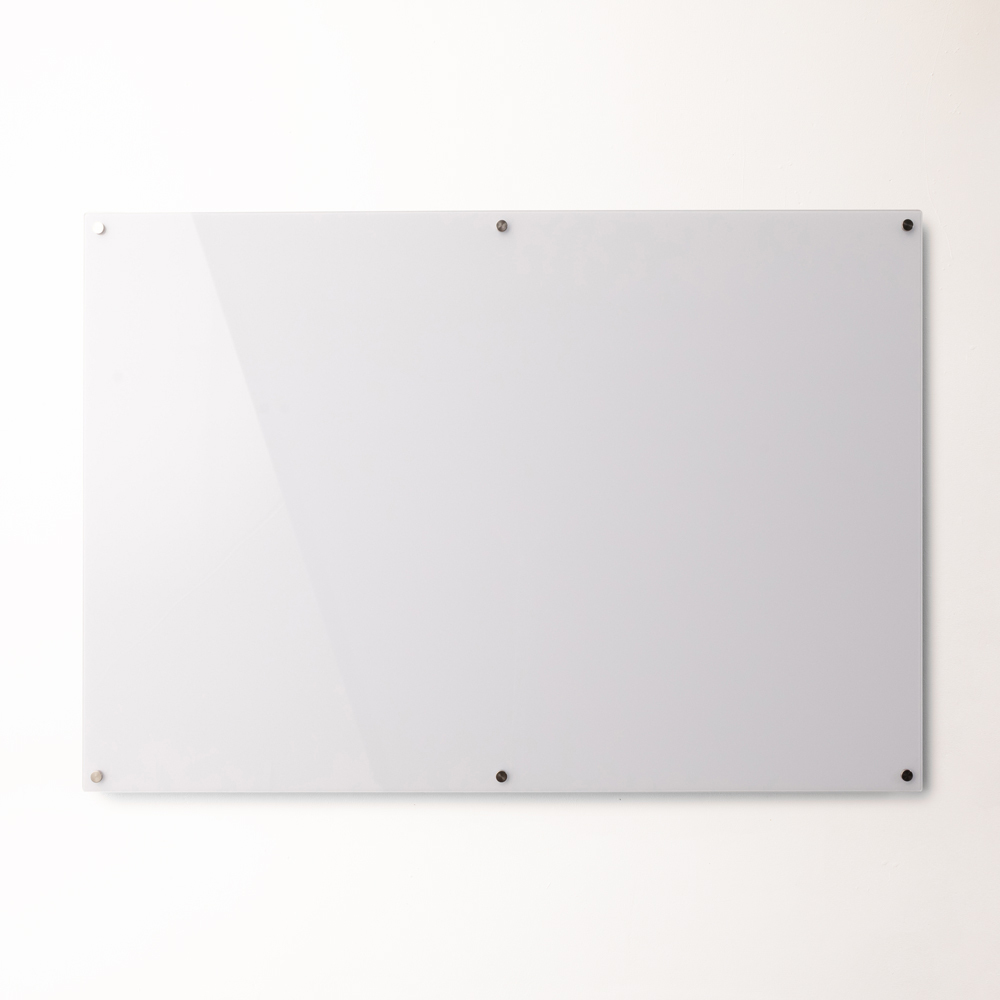
Glassboards require additional consideration because the wall colour, marker contrast and magnet requirements can affect usability. Confirm the individual product specification rather than assuming all glass surfaces offer the same functionality.
9. Decide When a Custom Size Is Worthwhile
A standard-sized board is usually the simplest option when it fits the wall and provides enough writing area.
A custom whiteboard may be justified when:
• The available wall has unusual dimensions
• Standard sizes leave an awkward gap
• The board must align with joinery or architectural features
• An extra-wide planning surface is required
• A specific printed layout is needed
• Several boards must form one coordinated installation
• Branding or specialist information is required
• The frame or surface must suit a particular interior
The custom whiteboard range supports applications where established dimensions or layouts do not satisfy the project brief.
Before requesting a custom board, prepare:
• Exact wall measurements
• A photograph or drawing of the area
• Preferred orientation
• Required writing zones
• Surface and magnetic requirements
• Mounting height
• Delivery access information
• Any printed artwork in the required format
Confirm measurements carefully. Custom products may be more difficult to alter after manufacture than standard boards.
10. Avoid Common Whiteboard Sizing Mistakes
Choosing From an Empty Product Image
A blank whiteboard can appear larger than it feels during a busy meeting. Test realistic content before ordering.
Measuring the Wall Only Once
Check the width, height and surrounding obstructions. Walls, floors and ceilings may not be perfectly square.
Ignoring the Frame
Published dimensions may refer to the overall product or writing area. Confirm which measurement is being used.
Forgetting Viewing Distance
A board that suits the writer may still be too small for the audience.
Selecting a Large Board That Cannot Be Reached
Users need comfortable access to the full writing surface. Excessive height can leave the upper area unused.
Overlooking Delivery Access
Large boards must pass through doorways, lifts, corridors and stairwells before reaching the installation wall.
Failing to Allow for Documents
Magnets, printed schedules and permanent information reduce the available writing area.
Choosing Mobility Without Measuring the Base
A mobile board may fit visually but obstruct circulation once the frame and castors are included.
Assuming One Board Must Do Everything
Several coordinated surfaces can be more useful than one crowded board serving meetings, notices, schedules and permanent information simultaneously.
Final Whiteboard Size Checklist
Before placing an order, confirm:
• Primary use
• Busiest realistic content
• Number of simultaneous writers
• Number of viewers
• Furthest viewing distance
• Usable wall width and height
• Required writing area
• Landscape or portrait orientation
• Fixed or mobile format
• Frame and base dimensions
• Magnetic requirements
• Surface material
• Permanent printed sections
• Furniture and equipment clearances
• Comfortable mounting height
• Delivery and installation access
• Standard or custom dimensions

Conclusion
The correct whiteboard size is the one that holds the required information at a readable scale without overwhelming the room or leaving important areas inaccessible.
Start with the busiest real-world use, mark the proposed dimensions on the wall and check the outline from every normal viewing position. Account for documents, multiple writers, furniture, frame dimensions and installation access before making a final decision.
A compact board can be effective for individual planning, while larger fixed or mobile surfaces are more appropriate for classrooms, training rooms, project spaces and collaborative offices. Selecting the size around actual usage will produce a more practical result than choosing solely from the available wall area.
For exclusive educator discounts, visit our Education Hub!